This guide will walk you through how to host a Left 4 Dead 2 server through playit.gg
Requirements
- Left 4 Dead 2 - [steampowered.com]
- Left 4 Dead 2 Dedicated Server - [steampowered.com]
Server
Open Left 4 Dead 2 Dedicated Server from Steam, and set the Network to LAN. Feel free to change the server name, map and max players.
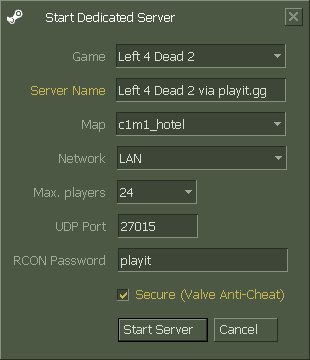
That’s all for the server config, let’s set up a tunnel next.
Creating a tunnel
This server uses
UDP 27015, which means that all users can create this tunnel type.
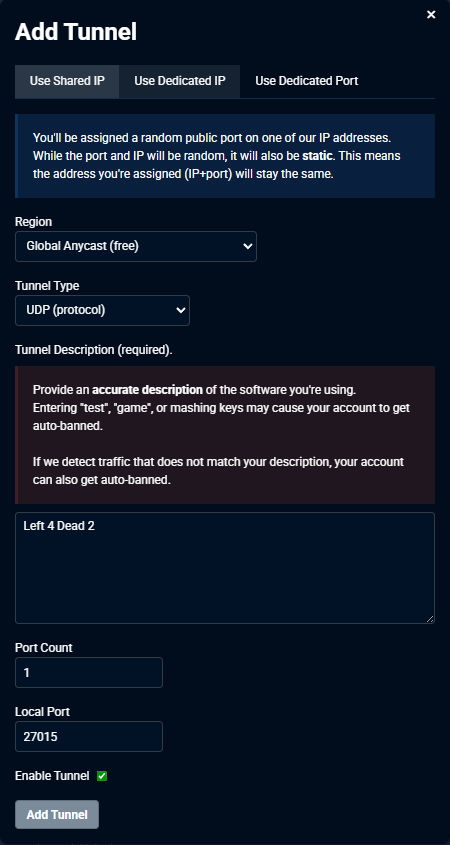
Set up the tunnel as follows:
Tunnel Type: UDP (protocol)
Port Count: 1
Local Port: 27015
Joining the server
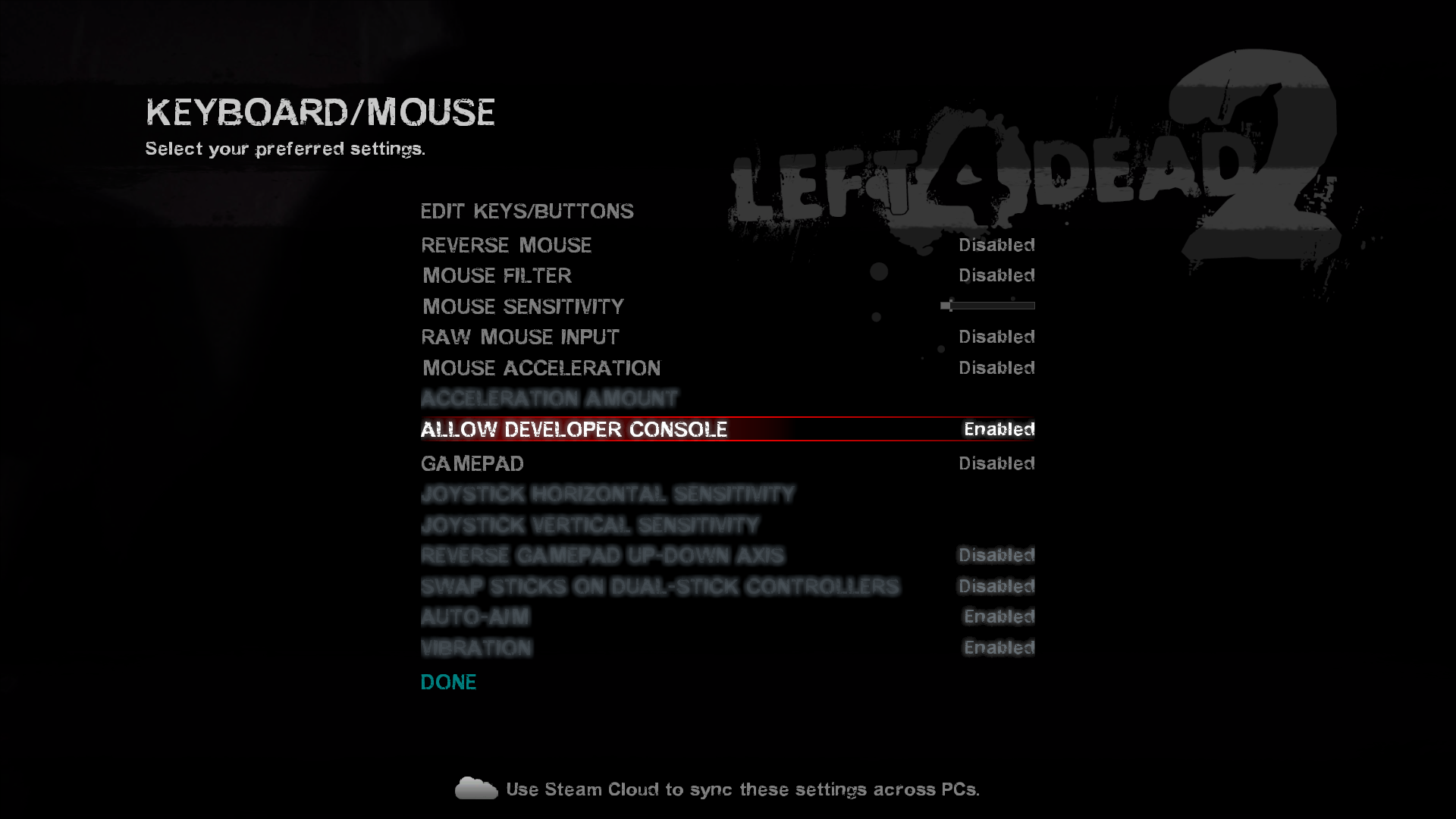
Inside of the game, go to Options > Keyboard/Mouse and enable Allow Developer Console.
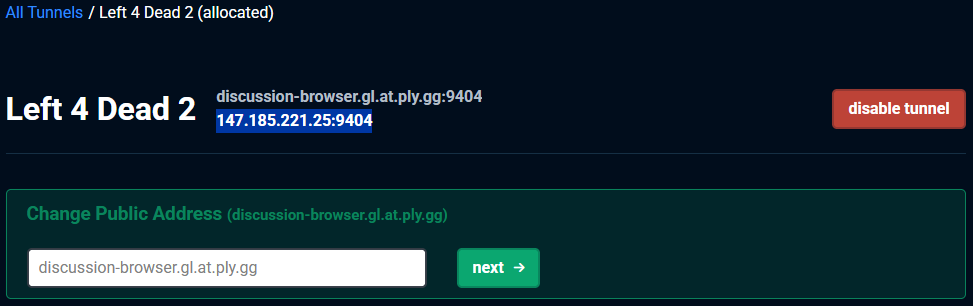
Press the Tilde key, ~ and type in connect 147.185.221.25:9404. Your tunnel and port will be different, so match it with the information that playit has provided.

After pressing enter or clicking Submit, you and your friends should be able to connect to the game server using playit’s tunnel.