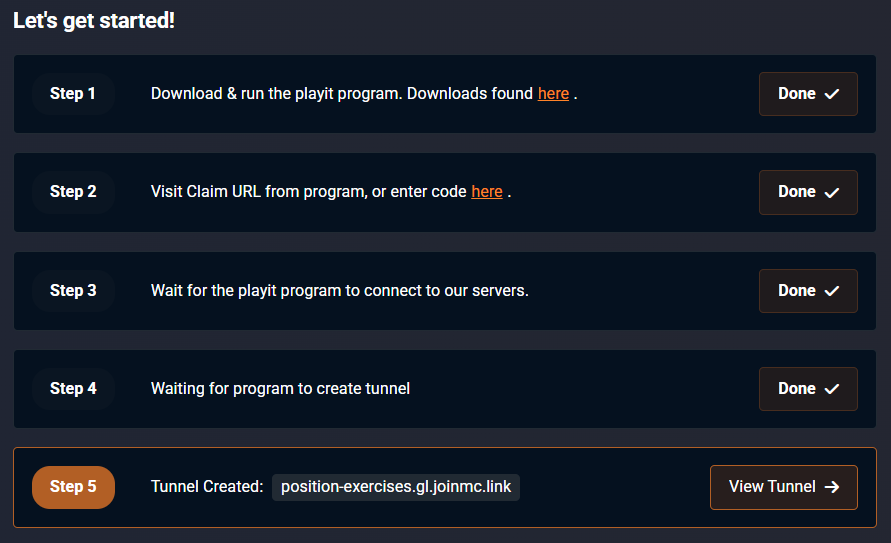
WARNING: This mod is not maintained or updated by the original creator - we cannot guarantee that this plugin is up to date or that it will work at all.
This guide will walk you through how to host a local Minecraft world over playit.gg
Requirements
- Minecraft (1.18+)
- Playit Companion (Modrinth )
Installing the mod
This is just as easy as installing any other client side mod. To do this, we’re going to use a mod called Playit Companion
by vgskye. For this guide, Fabric 1.21.10 is being used. The minimum supported version is 1.18.
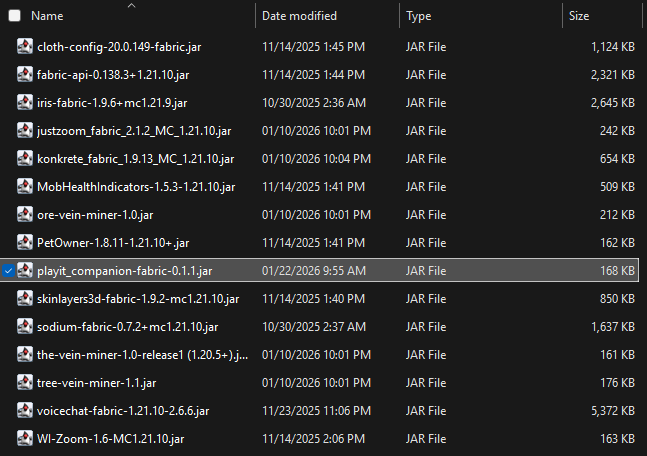
Once you’ve downloaded the .jar from Modrinth, we’re going to find our .minecraft folder. This can be done by opening Run (Win + R) and typing in %AppData%\.minecraft. This will directly open your .minecraft folder, and saves you about three minutes looking for the folder.
Move the .jar file into your mods folder, and open the game.
Setting up the tunnel
Load into a (currently) singleplayer world, or create a new one.
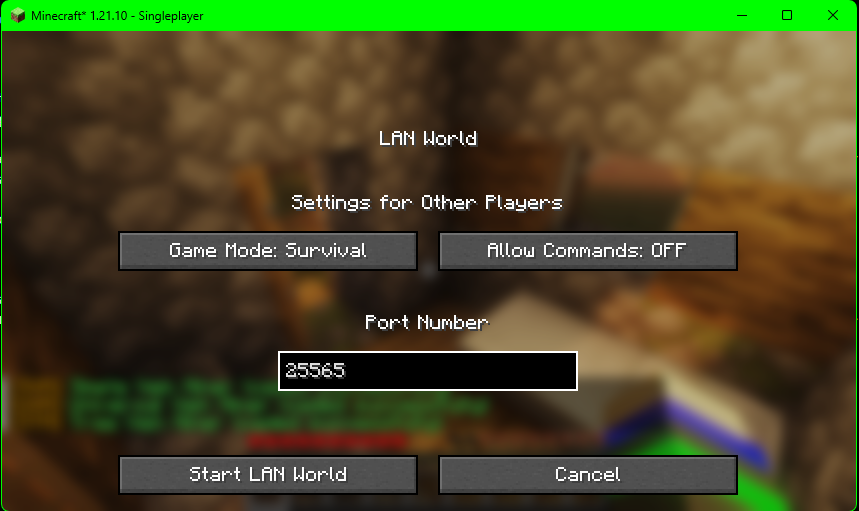
Once you’ve loaded into a world, open the pause menu and click Open to LAN. You can choose any local port you’d like, however we feel like it’s easier to use the default port 25565. and then Open to LAN
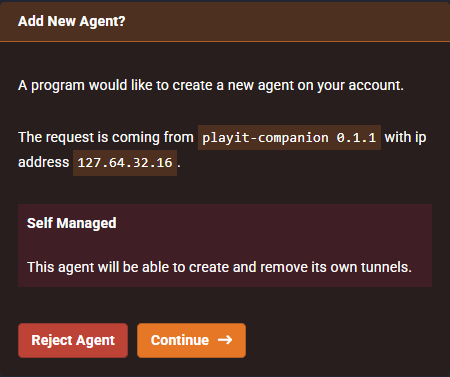
In the game’s chatbox, you’ll see a message that says “Visit [https://playit.gg/claim/8af2bc] to claim the agent” Claim the agent by clicking on the link in-game, or typing the URL manually. Add the agent, name it, and the tunnels will be created automatically.
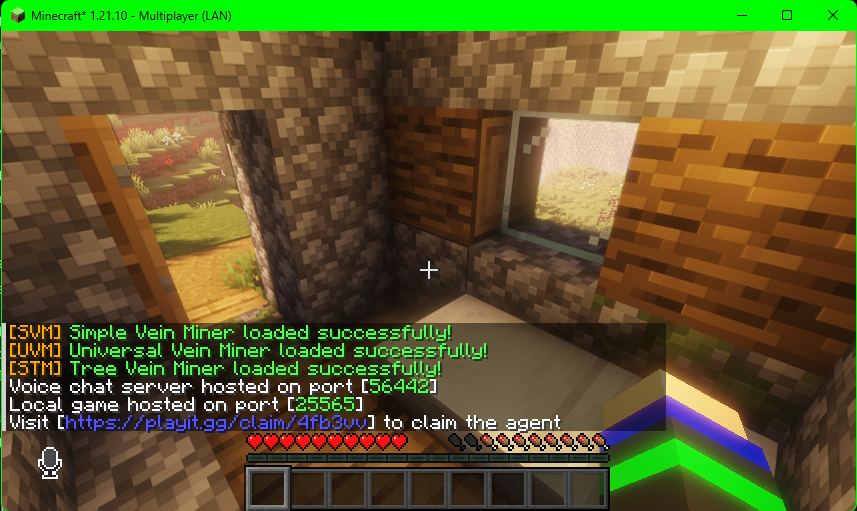
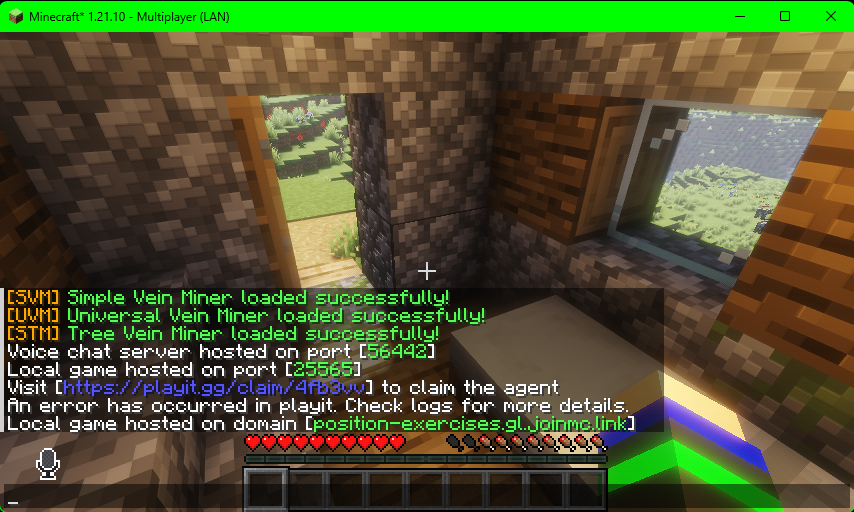
You can use the domain given in the chatbox to let other players connect to your now multiplayer world.