This guide walks you through how to set up a server for SCP: Secret Laboratory using playit.gg
Requirements:
SCP: Secret Laboratory (Game)
SCP: Secret Laboratory (Server)
Resources:
SCP: Secret Laboratory Server Info - en.scpslgame.com
Getting started
Locate the server files
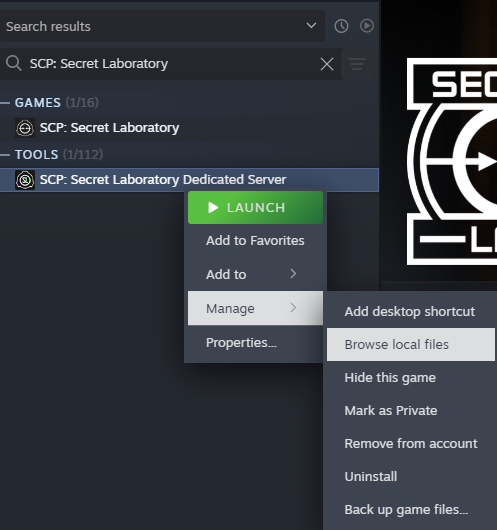
Right click on SCP: Secret Laboratory Dedicated Server, and navigate to Manage → Browse local files.
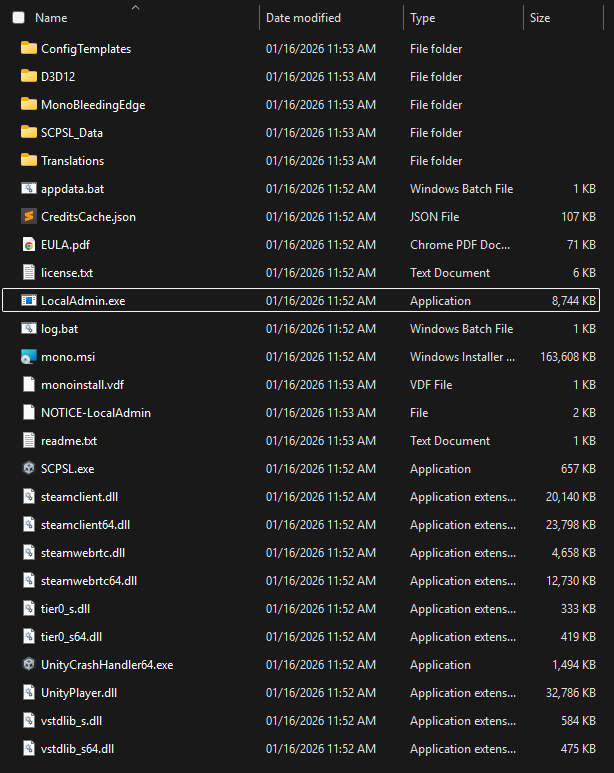
Inside, you’ll see the following file structure:
Server config files can be found here:
%AppData%\SCP Secret Laboratory\config\
Opening the server
To launch the server, double click on LocalAdmin.exe.
This will ask for a little bit of setup, but it’s pretty easy.
The default port is TCP/UDP 7777, it can stay like that. You can just press enter and go to the next step

It will then ask if you want to edit the configuration. The default configuration is fine, and you can edit them if you want. For the simplicity of this guide, we will just choose keep.
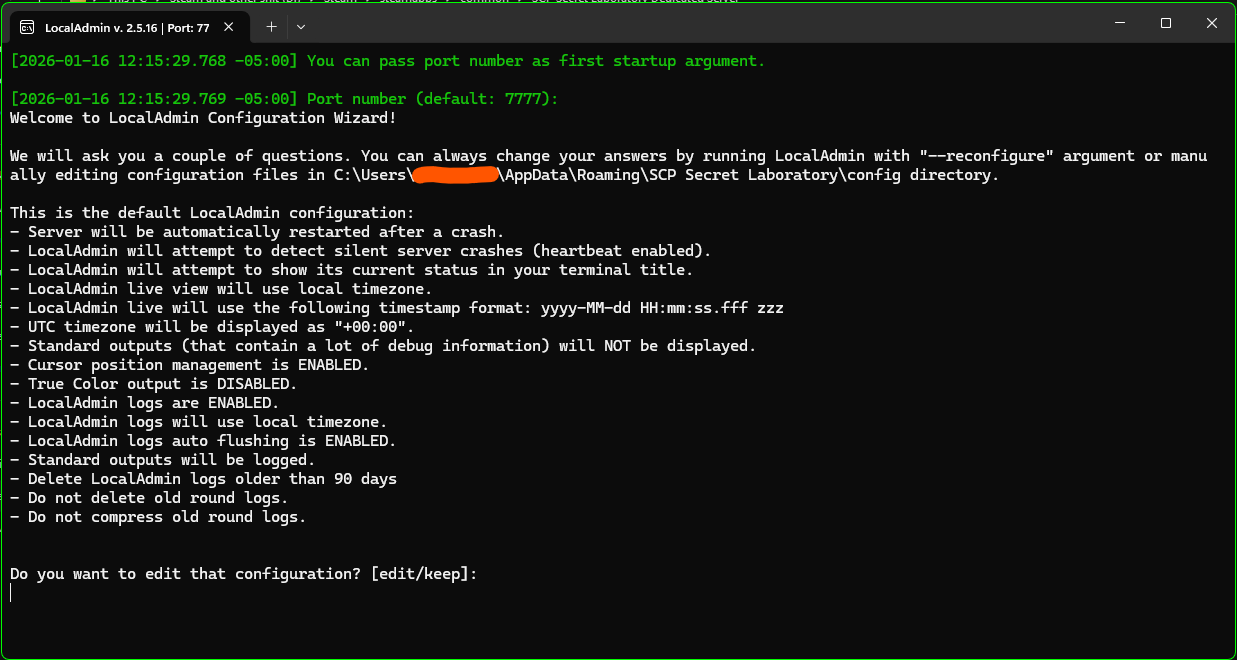
For Do you want to save the configuration only for THIS server we will choose this. This keeps different server configs sepaarated, if you plan on running different servers.

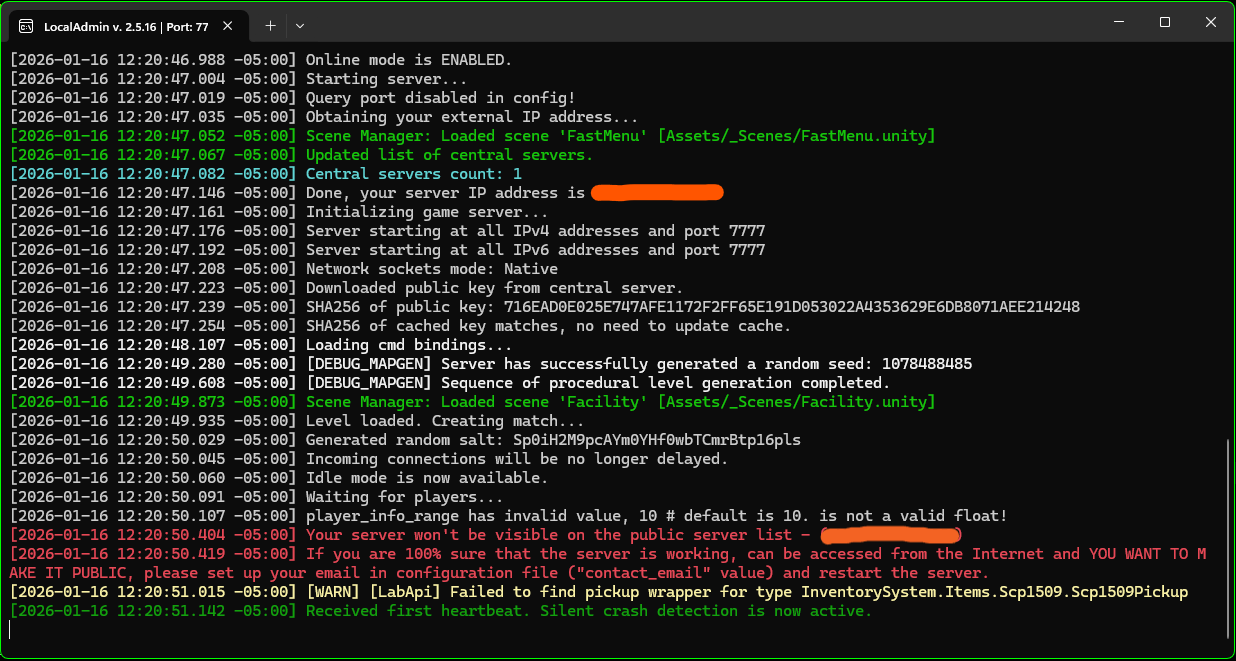
Your server should now be running. The console output should look like this:
Tunnel setup
Since the game uses both
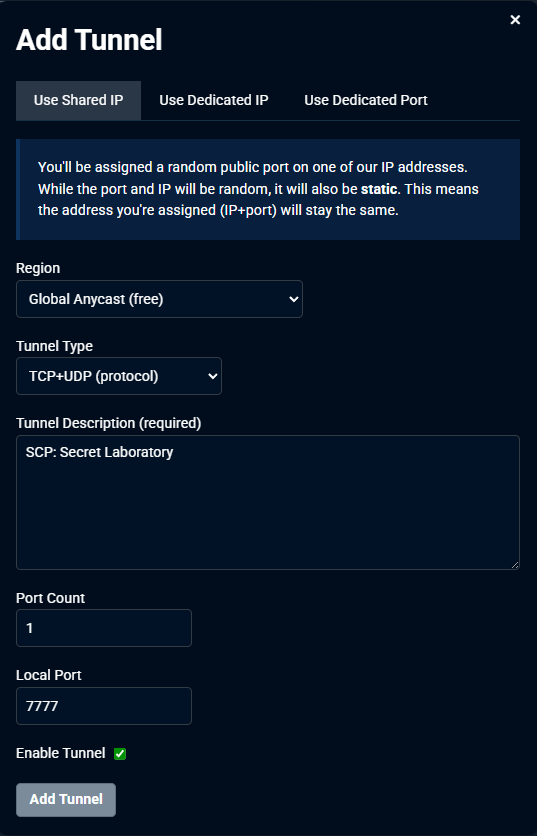
TCPandUDP, we will create aTCP/UDPtunnel. However, since TCP is not available to free users anymore, playit premium is required.
Add an agent if you haven’t done that yet. Configure the tunnel as follows:
Tunnel Type: TCP/UDP (protocol)
Port Count: 1
Local Port: 7777
Connecting to the server
Get the hostname/IP address from the tunnel - this can be found in the tunnel page.

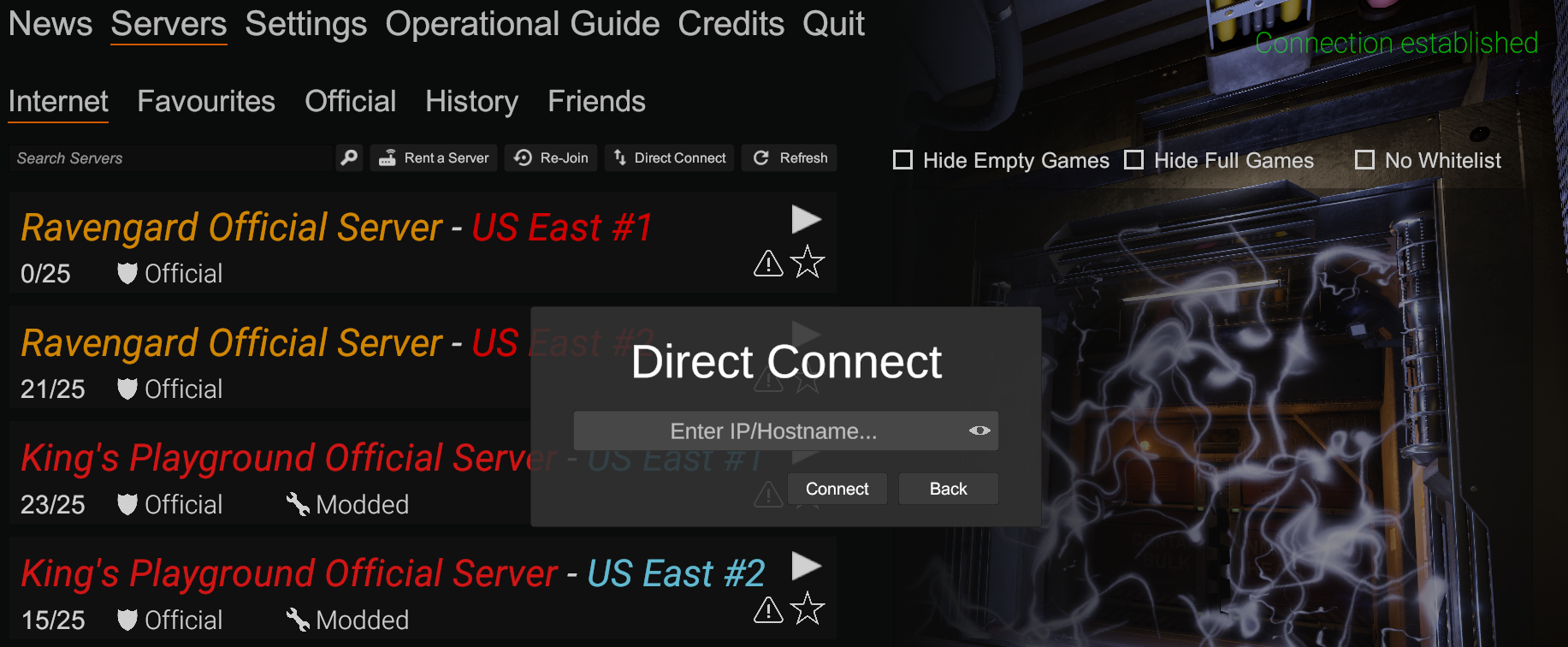
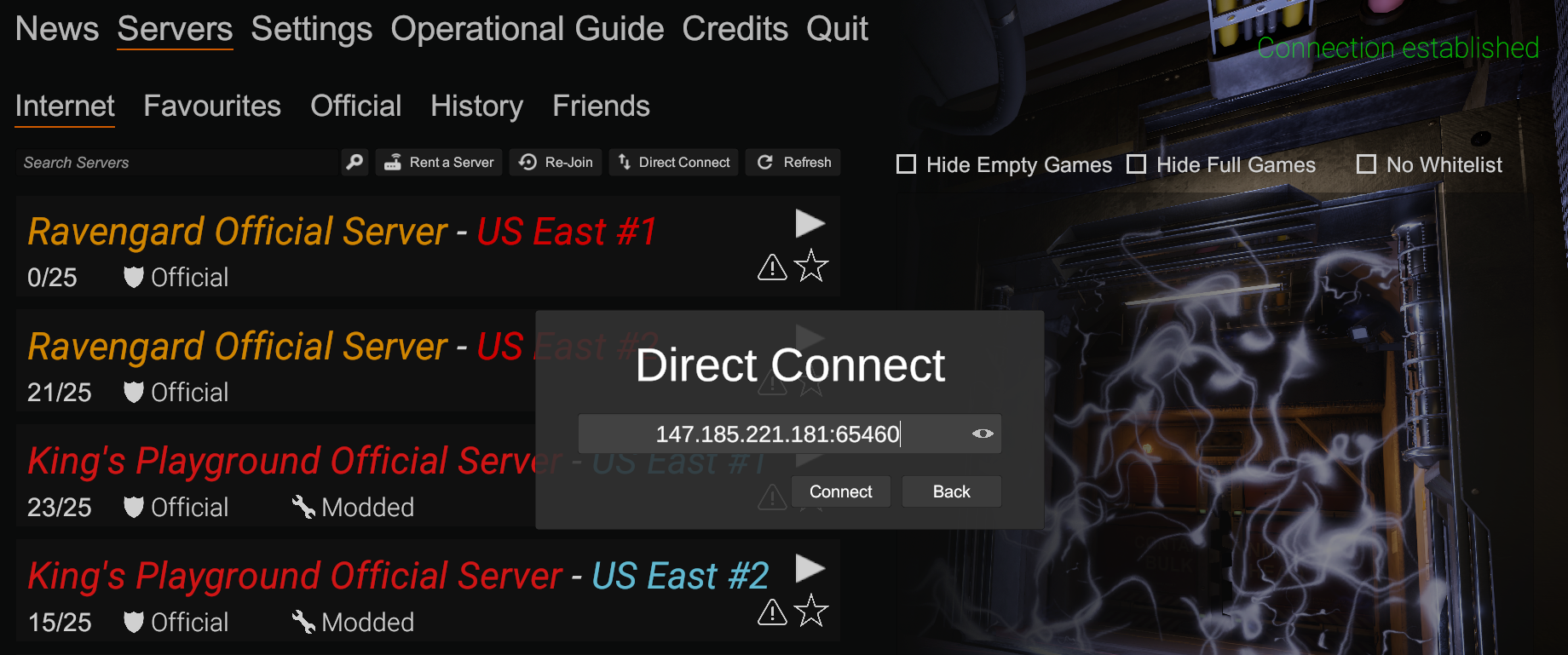
Inside of SCP: Secret Laboratory, go to Servers and then click on Direct Connect. Enter your tunnel information from earlier into here, and then click Connect.