Setting Everything Up
Download Barotrauma from Steam if you haven’t already. The game comes bundled with the server executable.
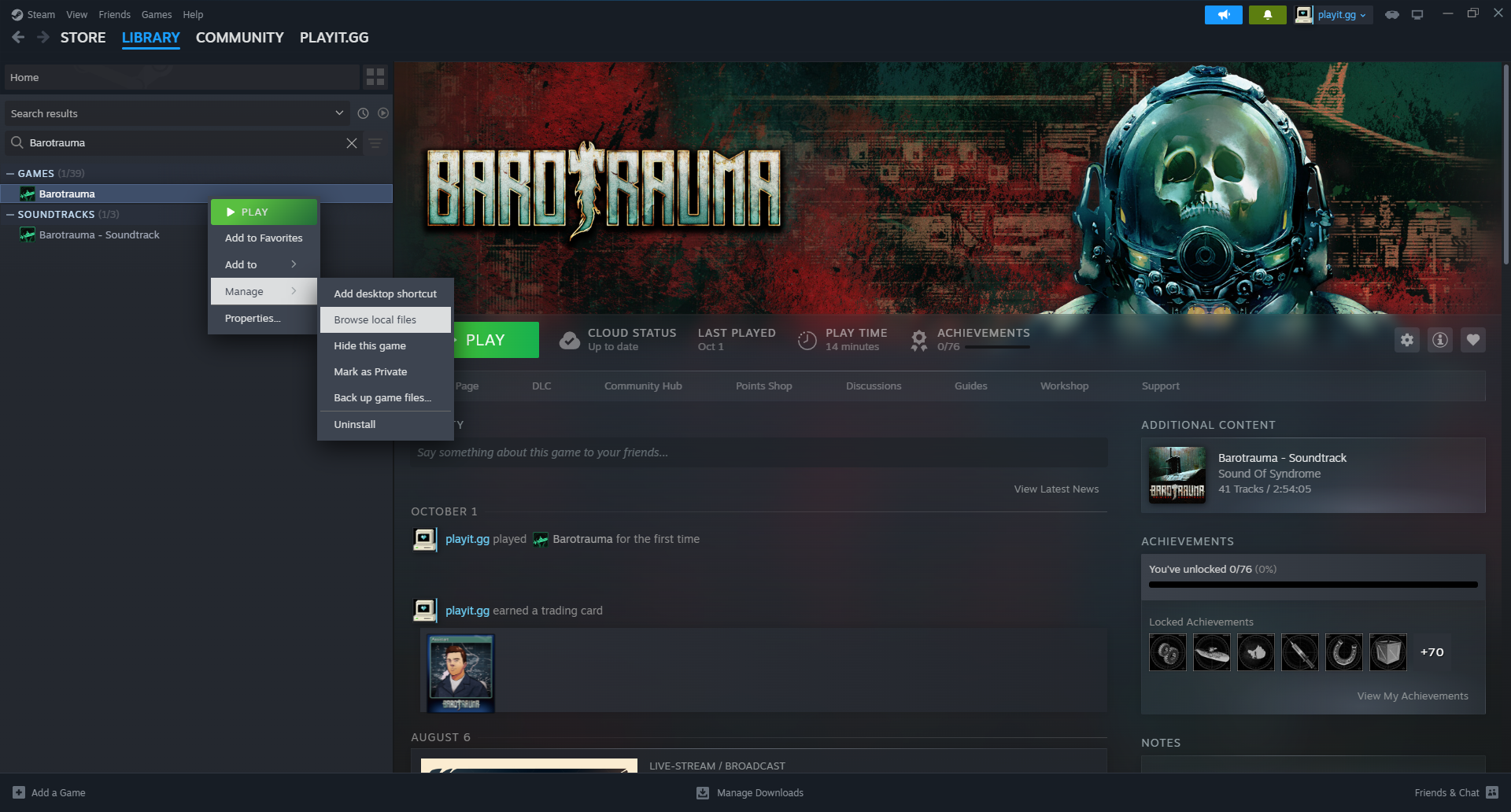
Find the server files
You can do this by right clicking on Barotrauma, and then Manage -> Browse local files
Server configuration
Inside, you will see serversettings.xml. It looks like this:
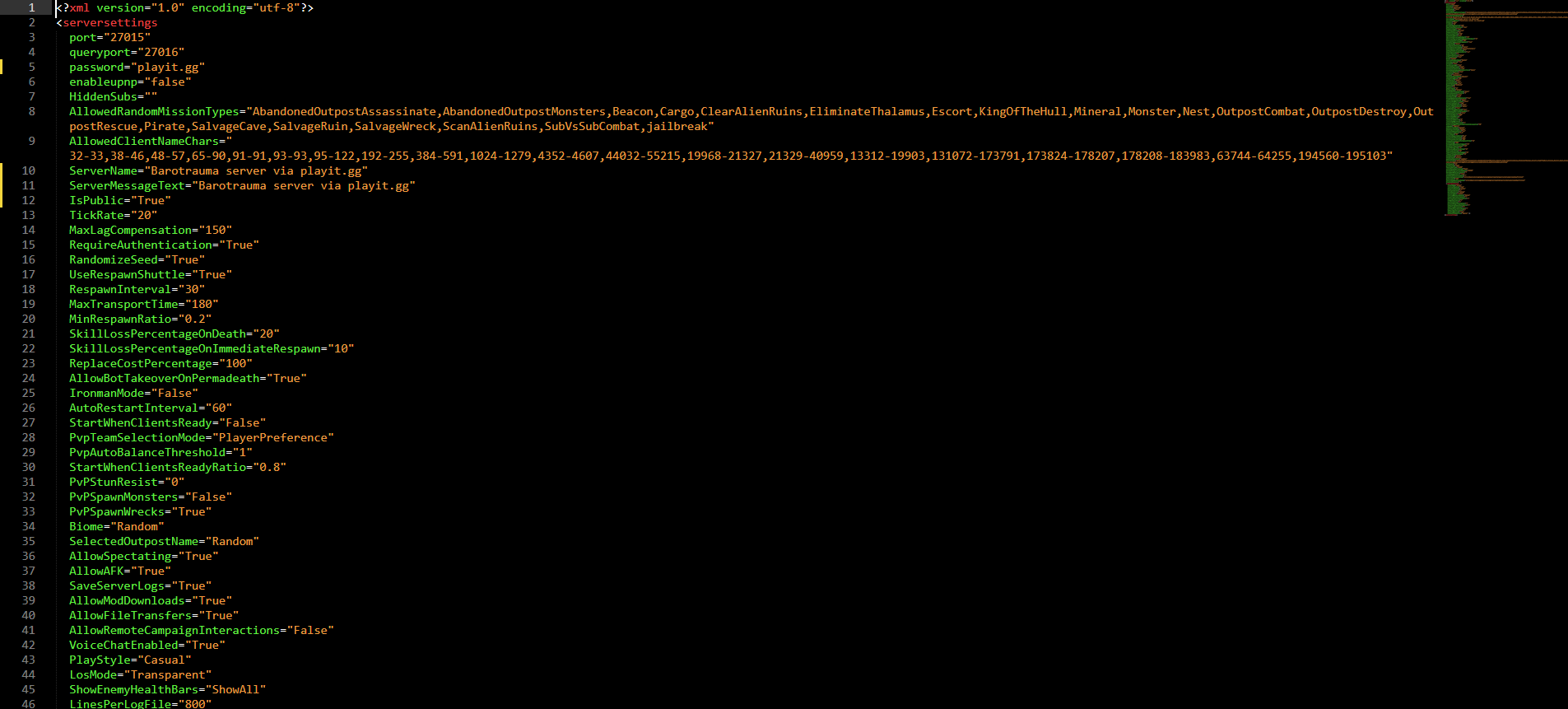
Modify this to your liking. Documentation on this file can be found here:
Serversettings.xml - Official Barotrauma Wiki - [barotraumagame.com]
Create the tunnel
- Type: UDP
- Port Count: 1
- Local IP: 127.0.0.1
- Port: 27015
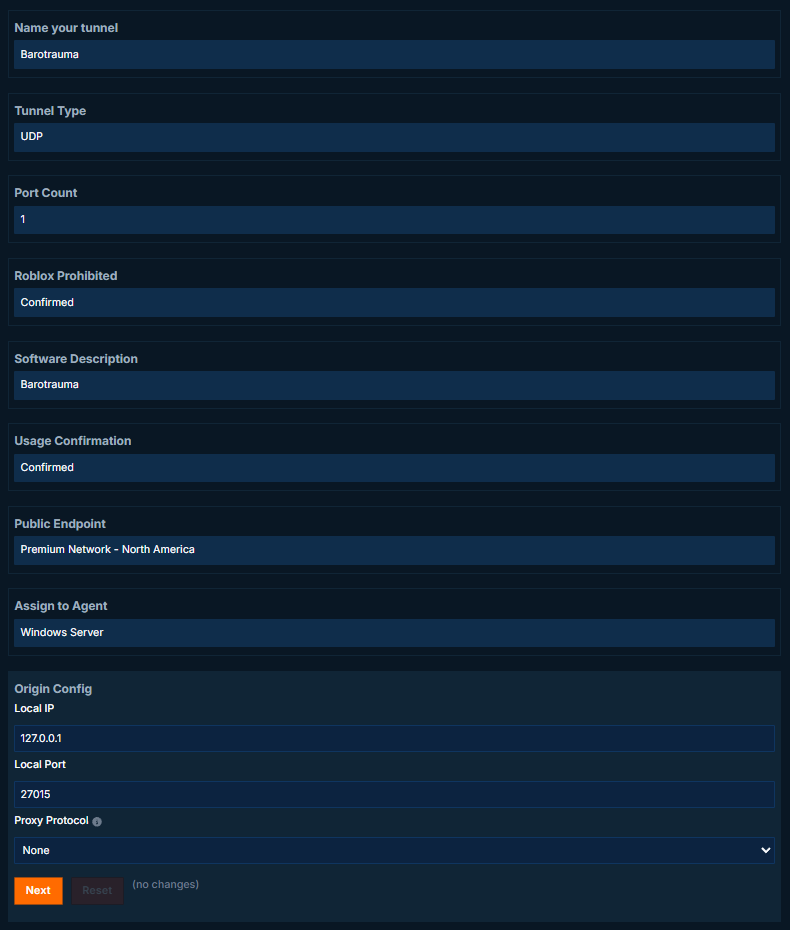
The query port requires 2 ports, but this isn’t required. The local port is
27016.
Starting the server
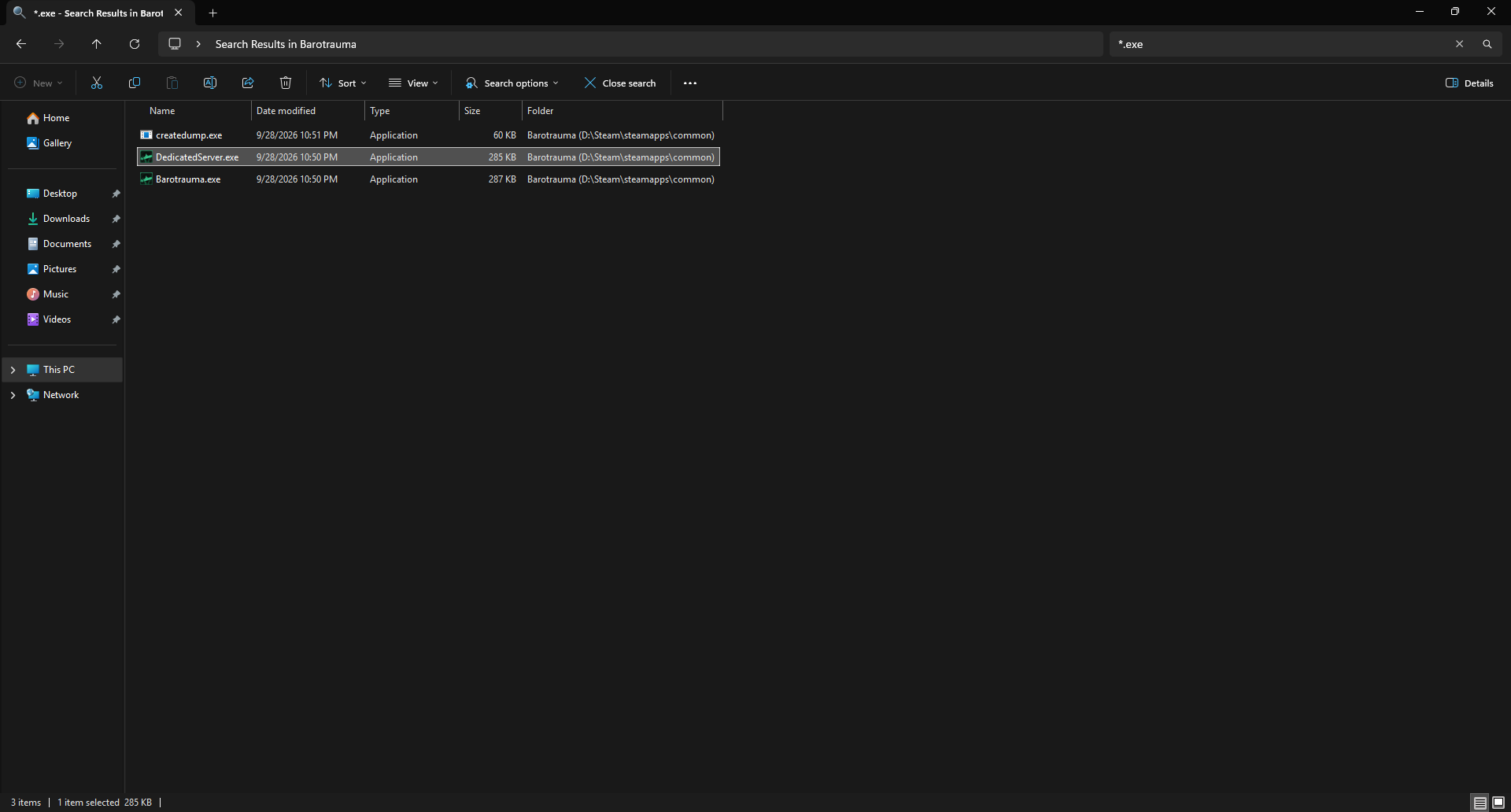
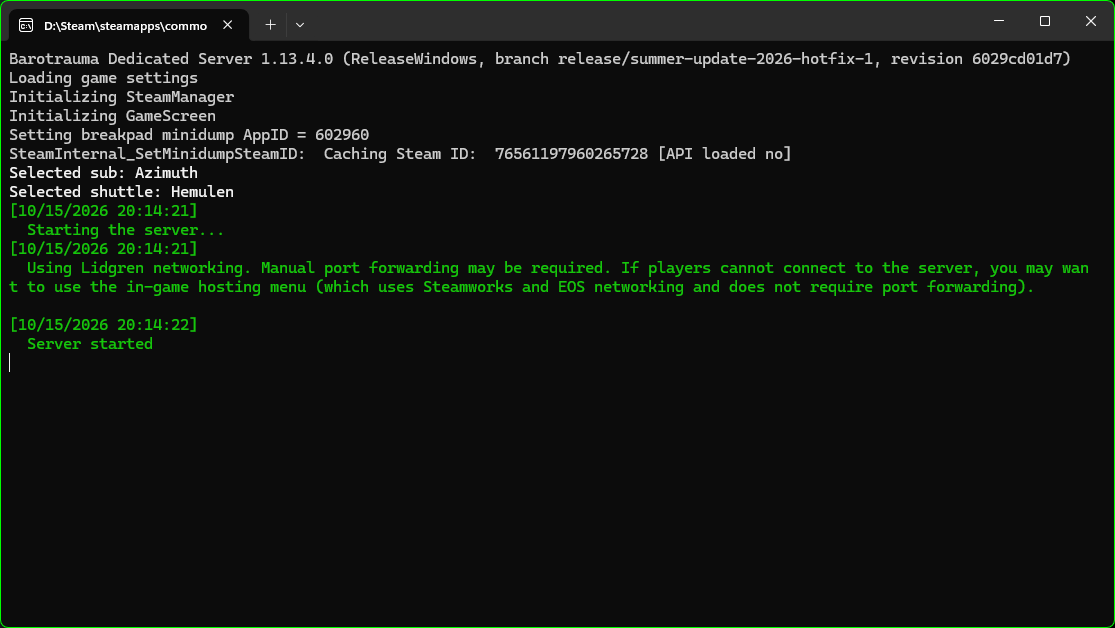
Inside, you will find DedicatedServer.exe. If you can’t find this file in the mess of DLL files, search for *.exe.
Joining the server
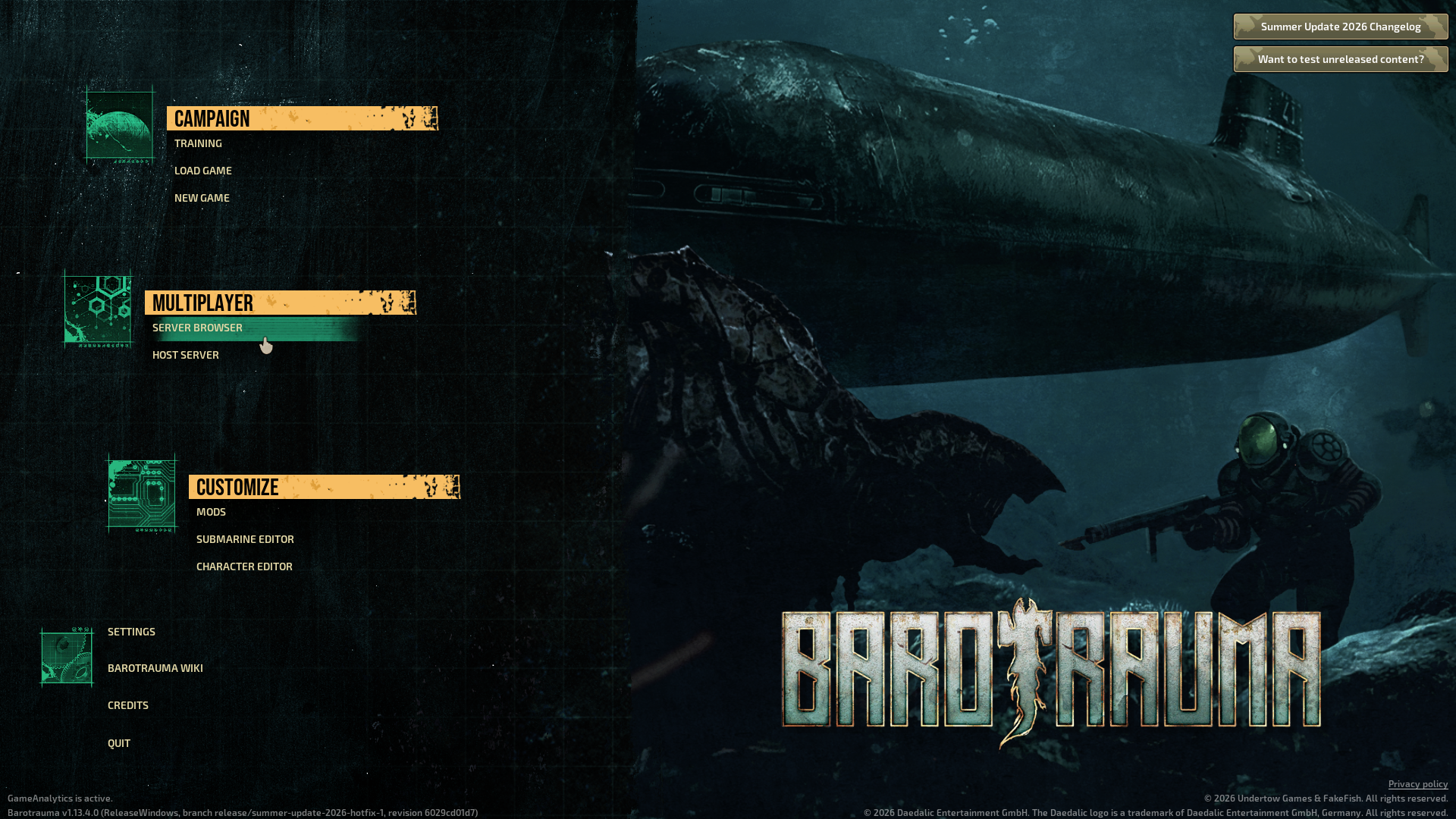
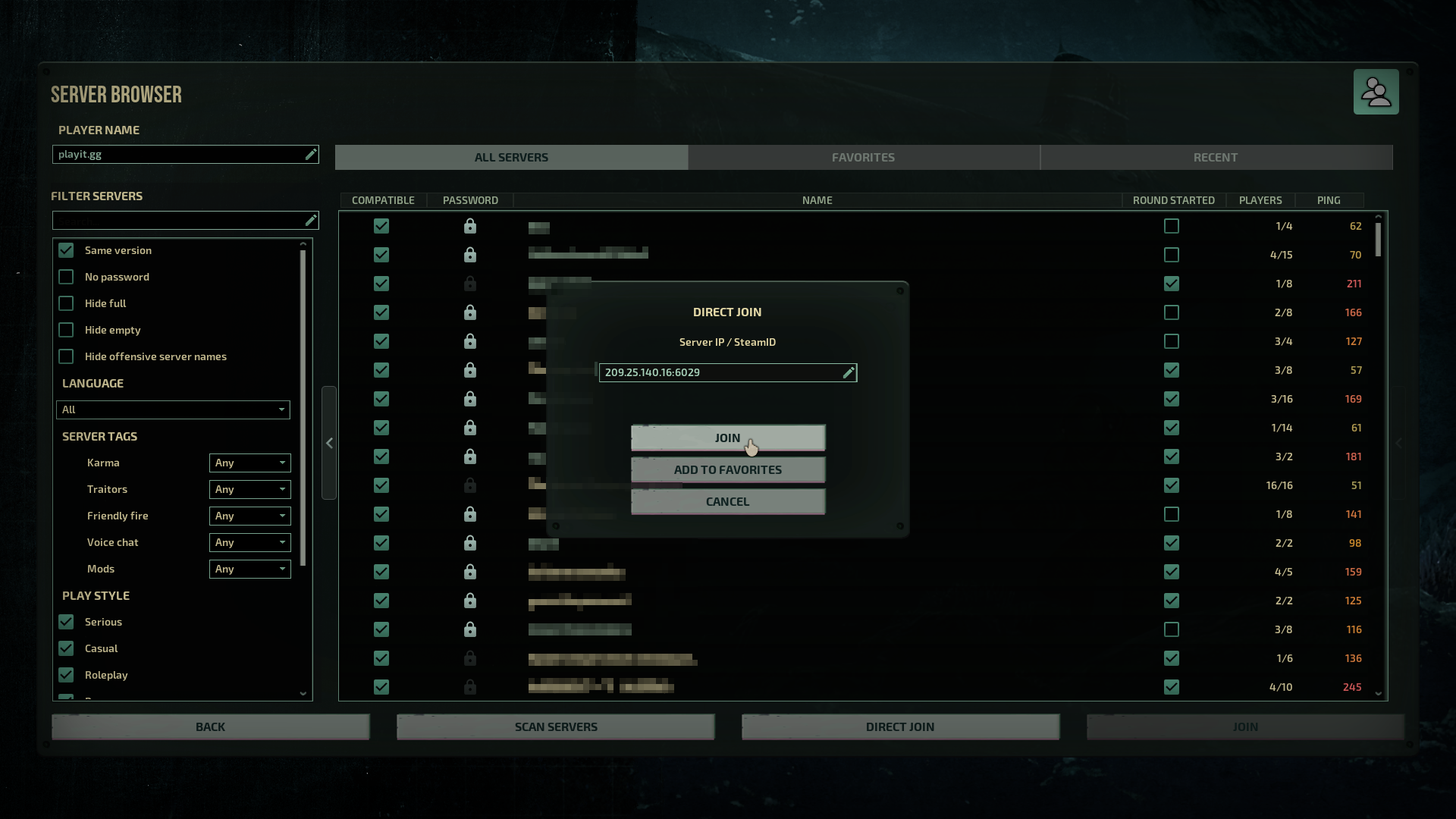
Go to Server Browser -> Direct Join and then paste in the IP address provided by playit.
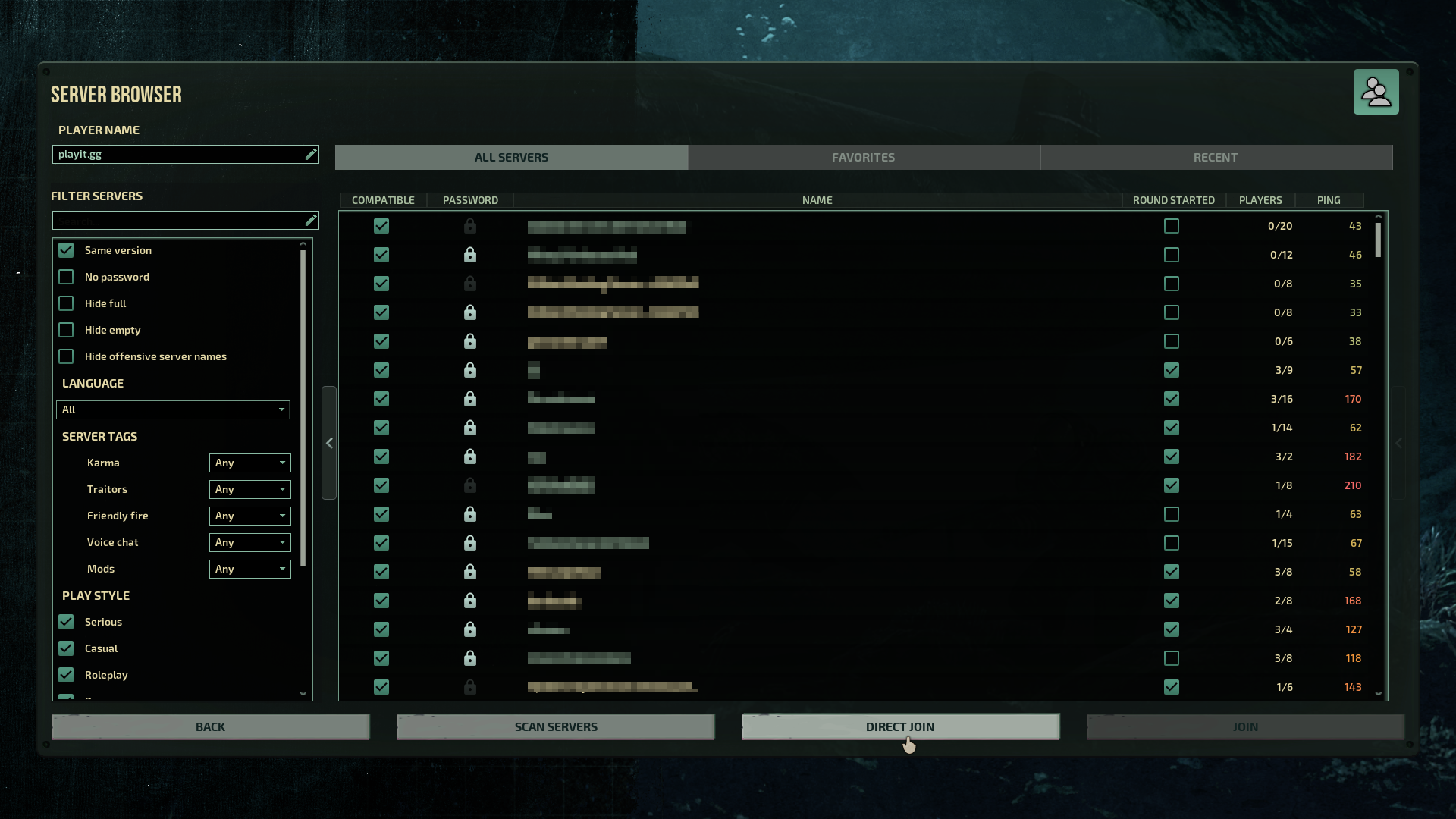
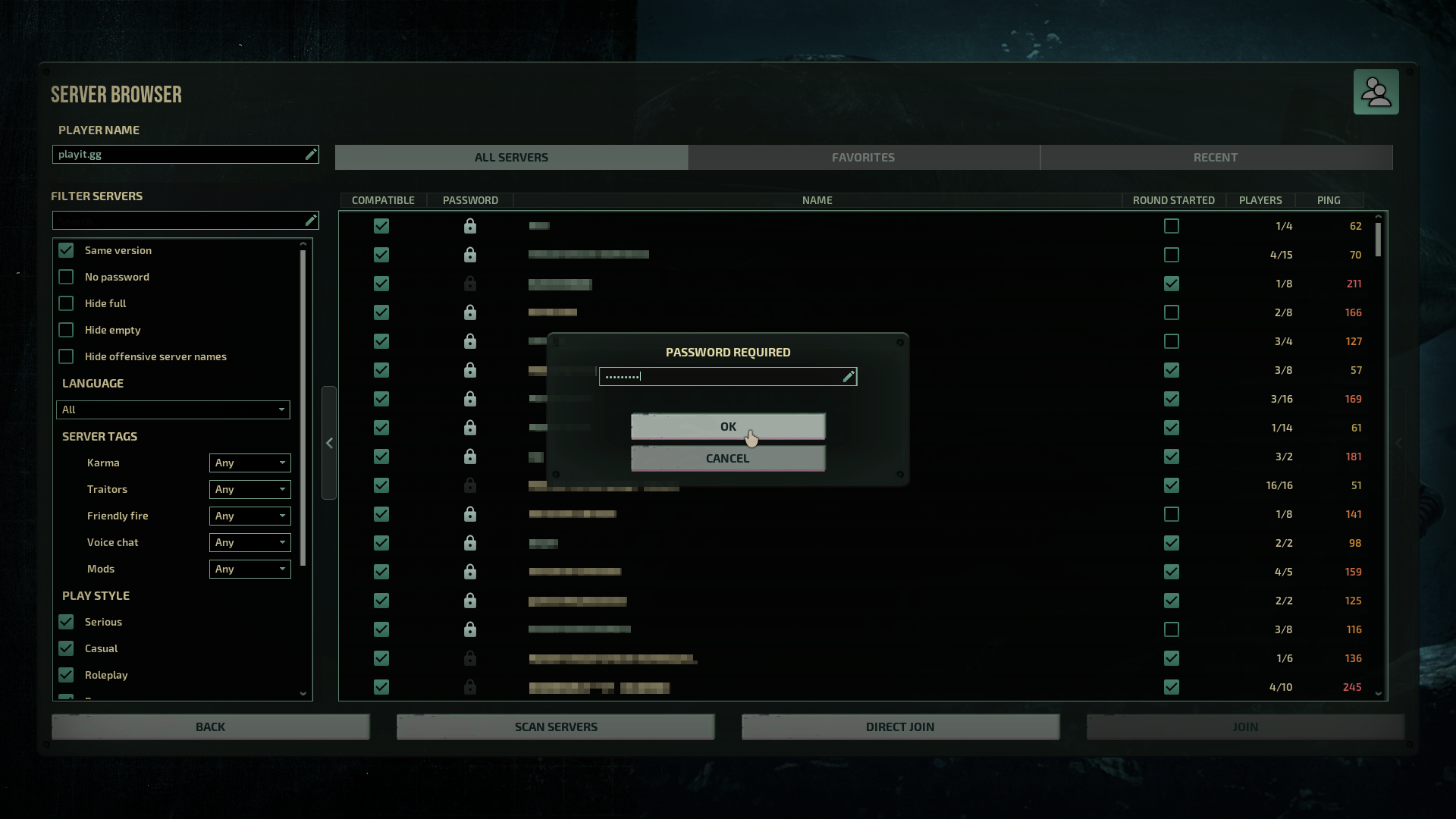
If you set a password in serversettings.xml, it will ask for the password.
Server settings
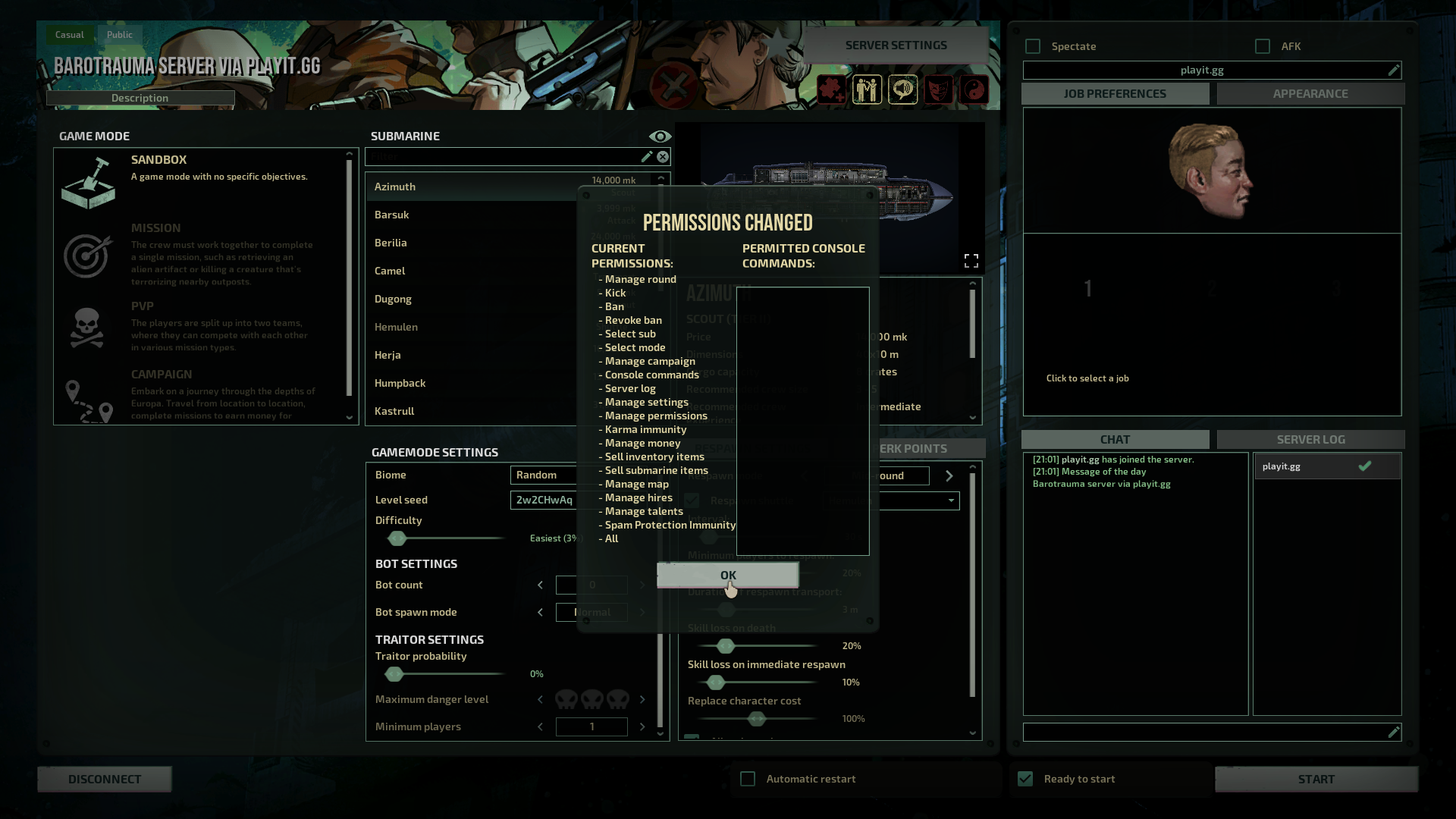
By default, all users are treated as a normal user. In order to change these settings, you must grant yourself admin permissions. Use giveperm <username> all
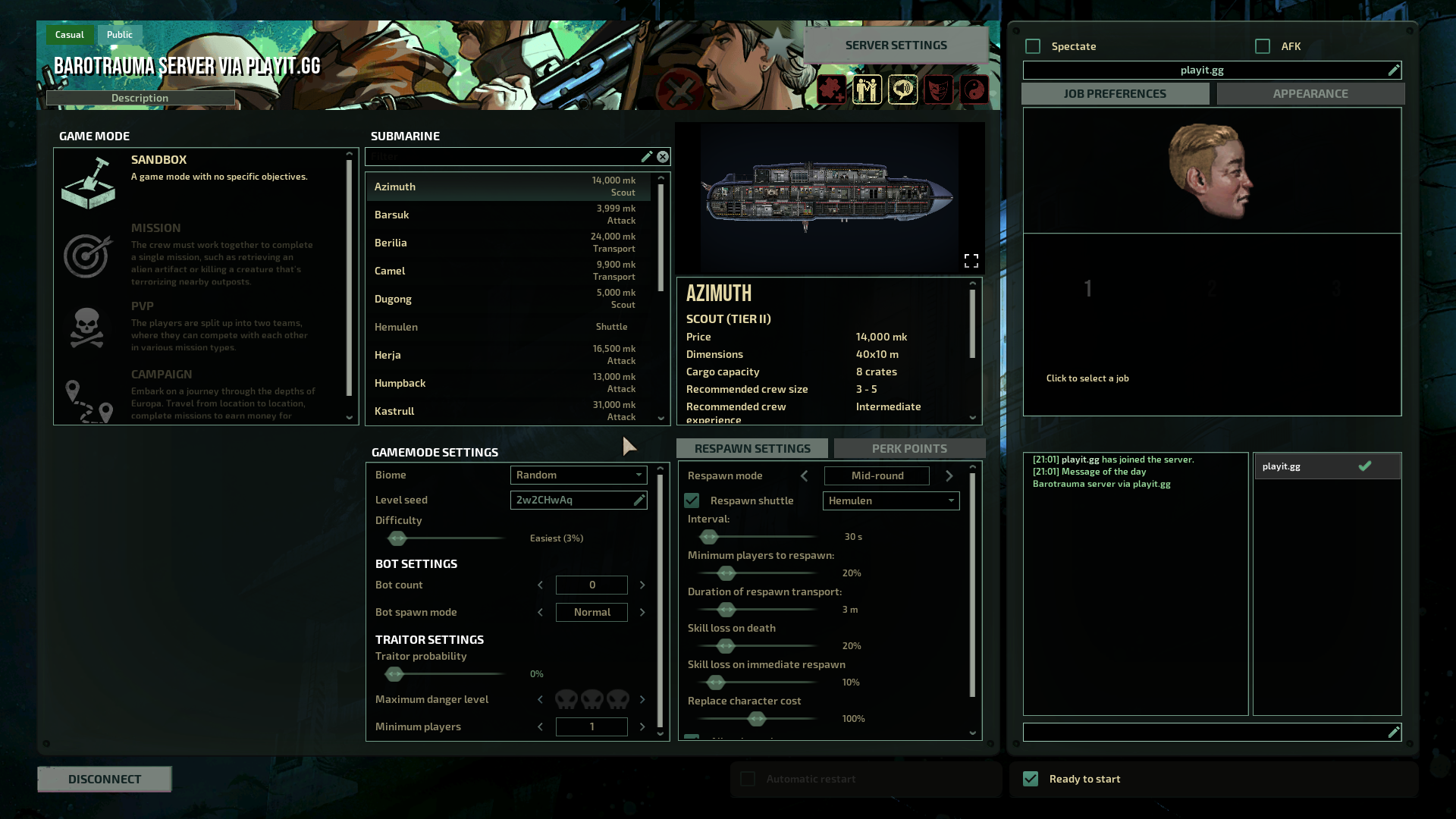
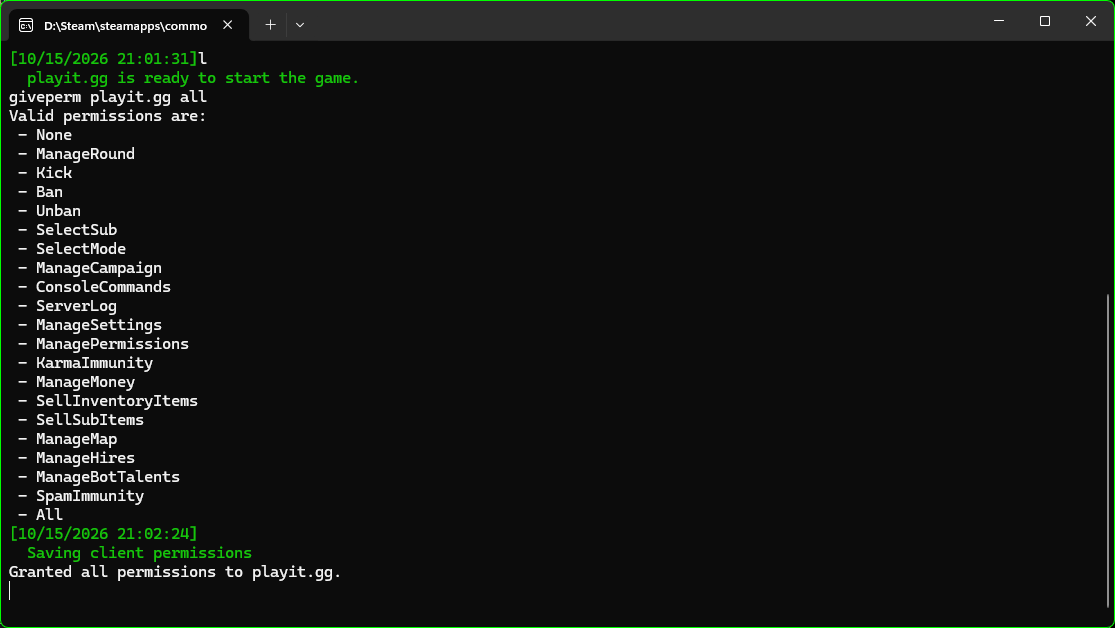
Once you grant yourself every permission, you are then able to change the mode, game settings, and other things.
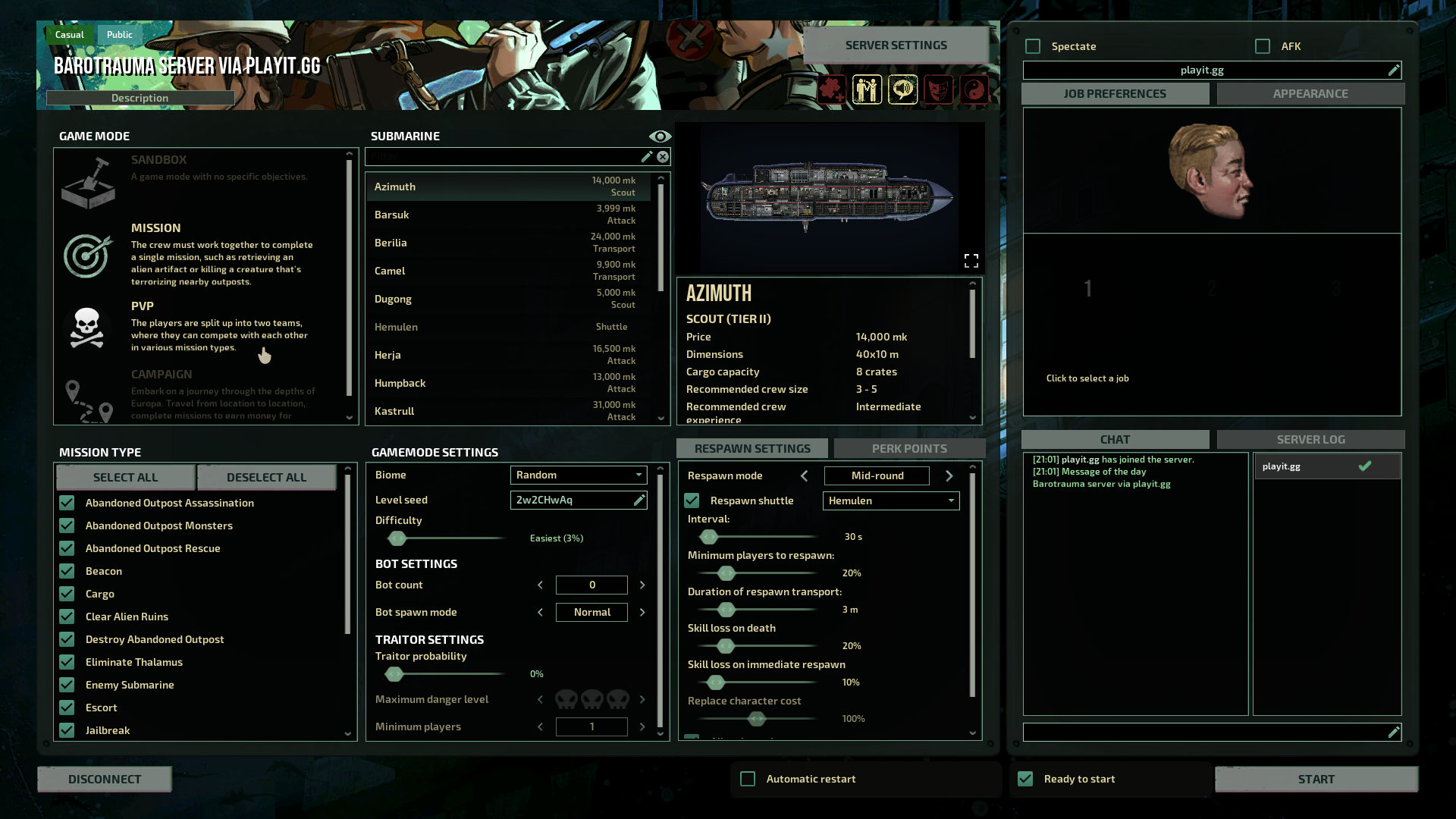
Starting the game
Once everyone in the lobby, you can then start the game.