This guide will walk you through how to host a Veloren Dedicated Server with playit.gg
Requirements
- Veloren - [veloren.net]
Resources
- Hosting a Server - [book.veloren.net]
- Server Wiki - [wiki.veloren.net]
Prefer to watch a video?
Server
The server is already downloaded and installed, assuming it was installed using Airshipper.
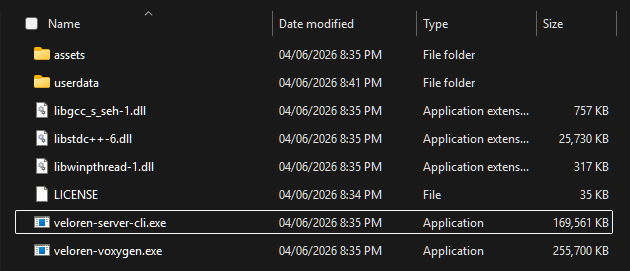
You can start the server by opening run and going to %appdata%/airshipper/profiles/default. The server executable is located at veloren-server-cli.exe and you can simply double click this to run the server
Creating a tunnel
This server uses
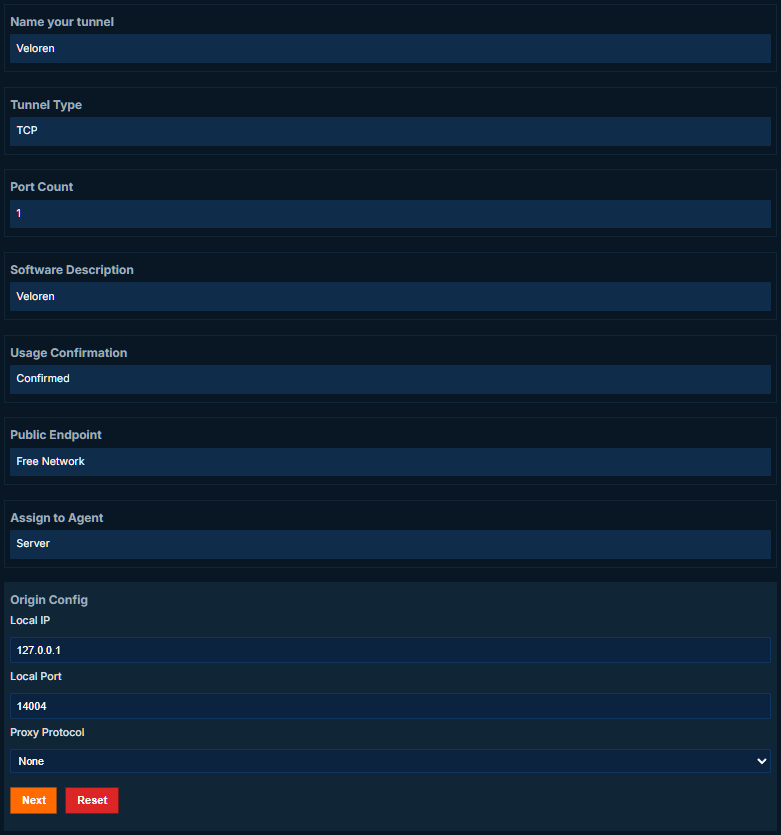
TCP 14004, which means that Playit Premium is required.
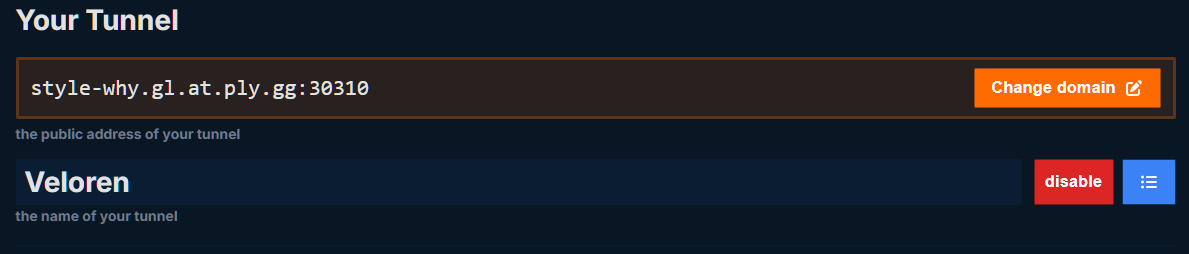
Set up the tunnel as follows:
Tunnel Type: Veloren
Joining the server
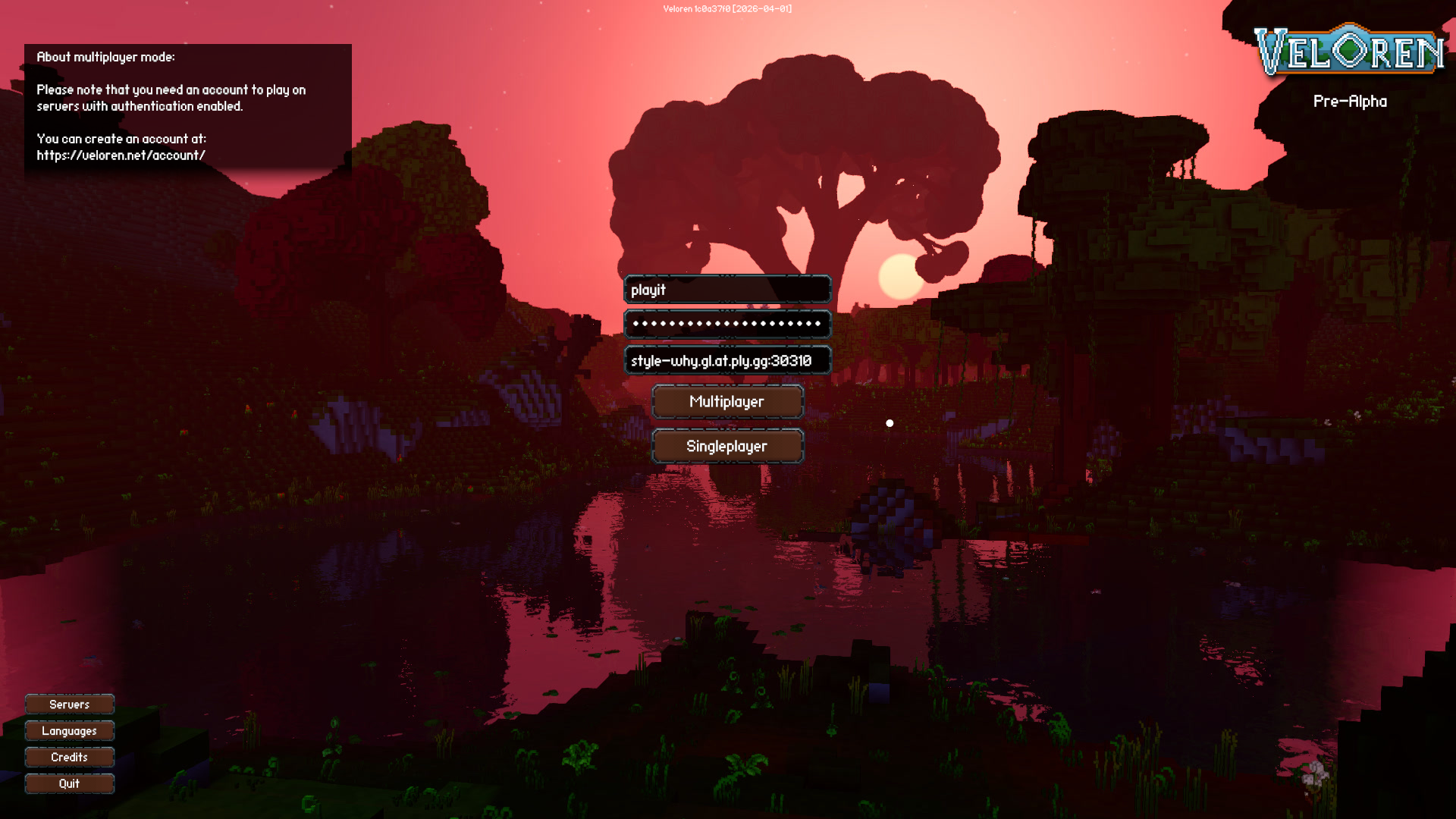
In the main menu, you have the option to log into your Veloren account and join a server.
At the server URL, type the tunnel IP address or domain into this field, and then click Multiplayer.
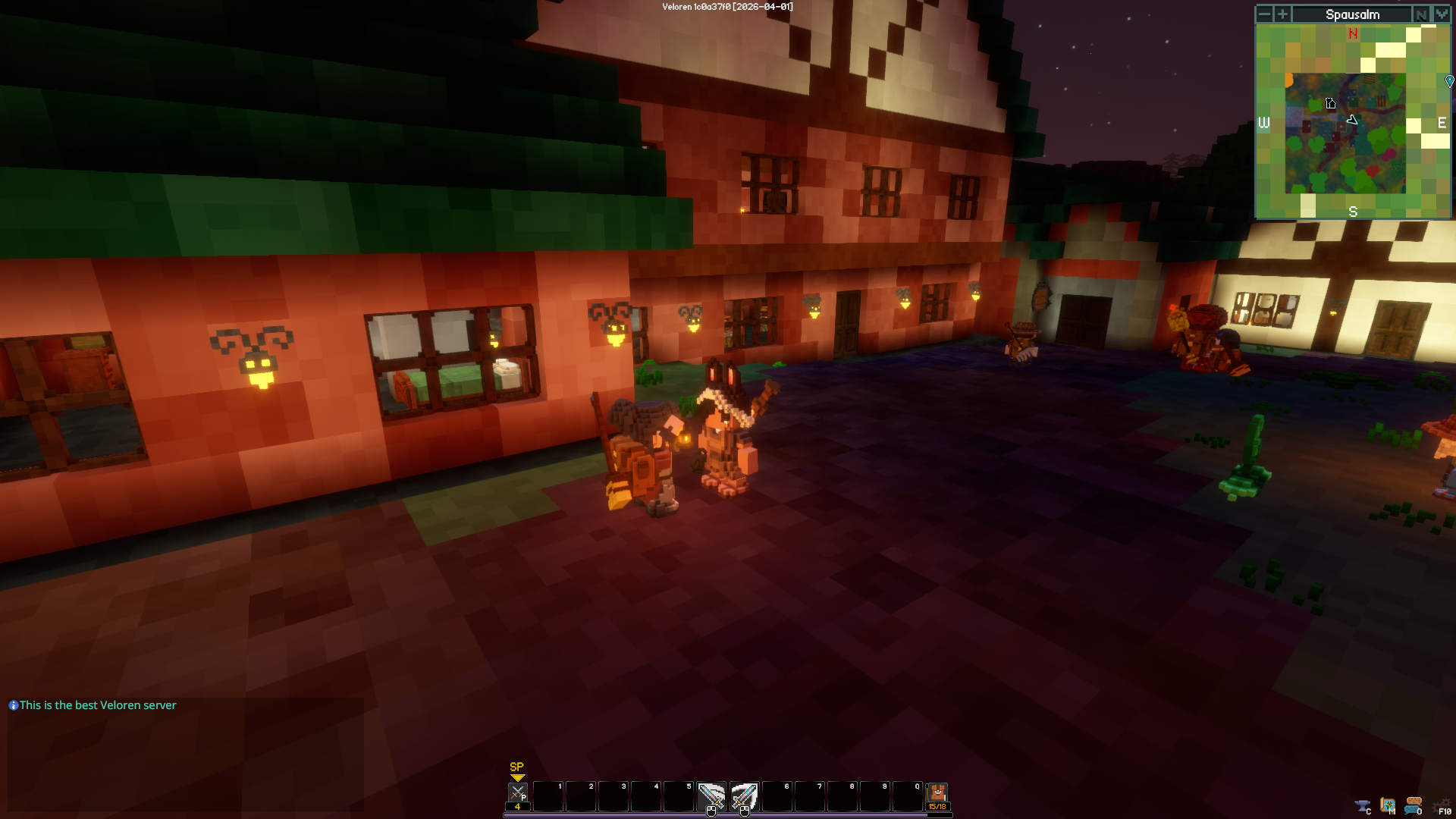
You should start to join the server shortly after.