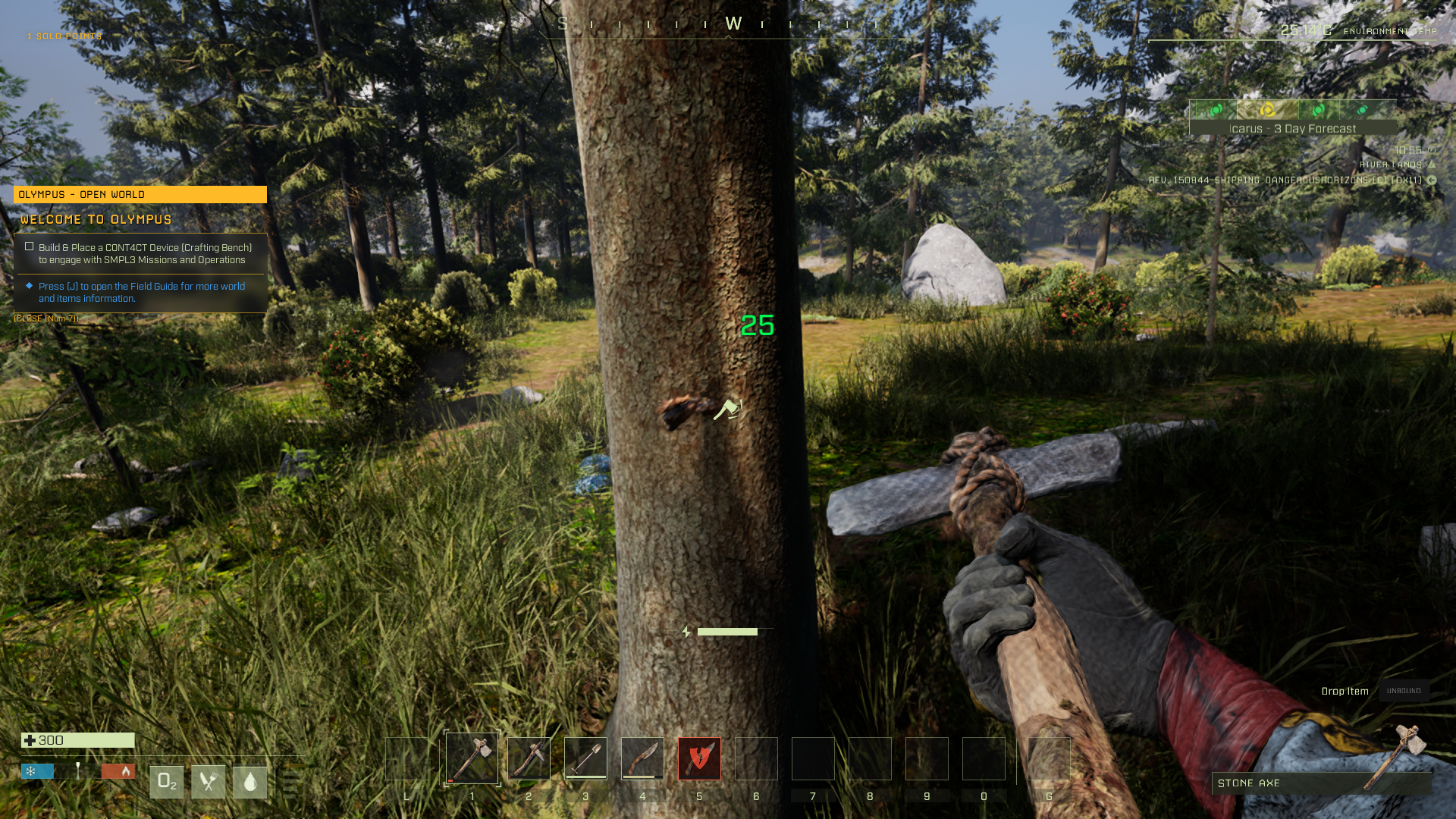
This guide will walk you through how to host an Icarus Dedicated Server with playit.gg
Requirements
- Icarus - [steampowered.com]
- Icarus Dedicated Server - [steampowered.com]
Resources
- Server Setup - RocketWerkz - [github.com]
Server
This server is available for download with SteamCMD . To install with SteamCMD, open it in a command line. You can do this by navigating to your install location, and opening a command with your address bar (did you know you could do that?)
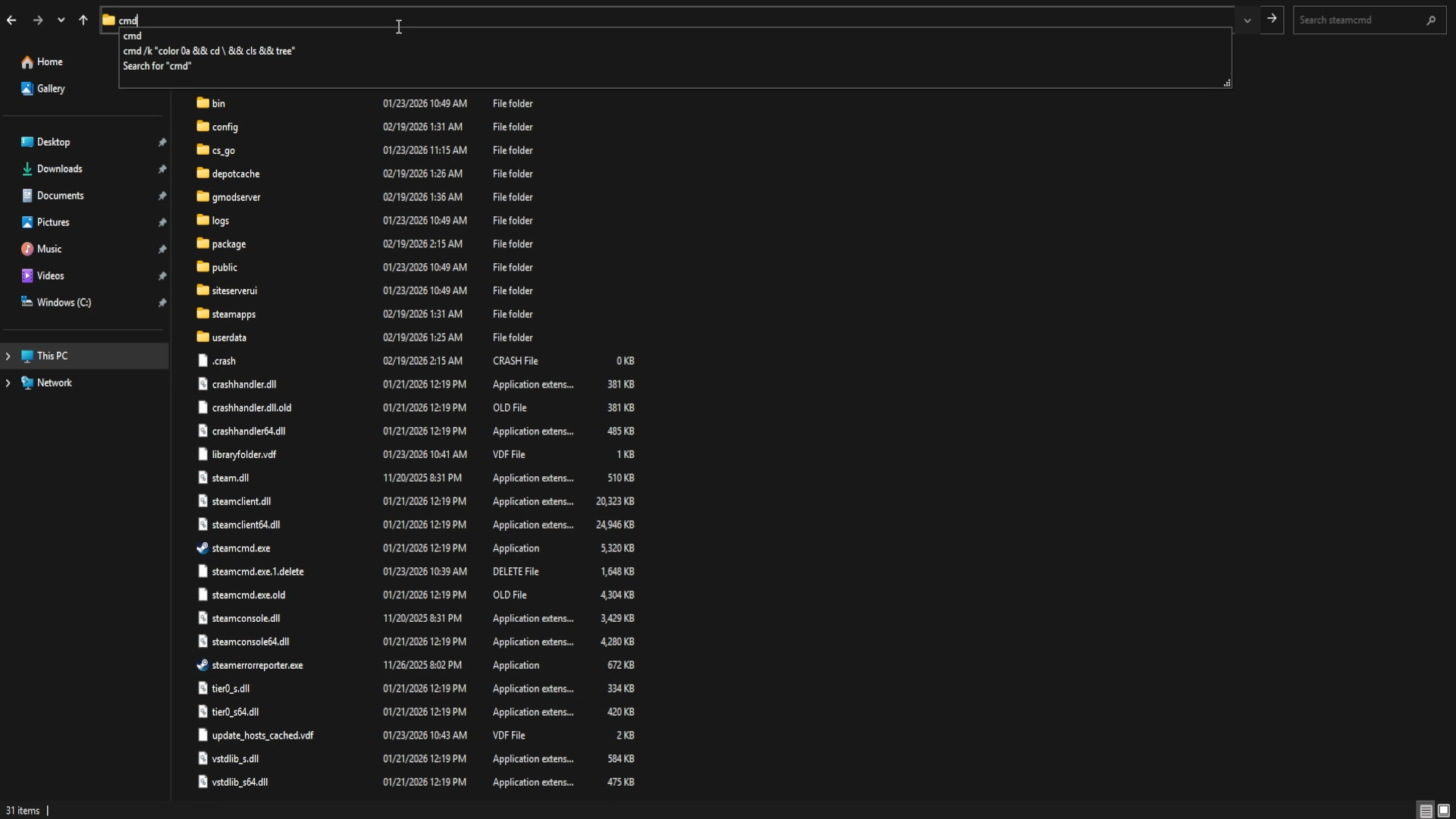
Now that we’re in the SteamCMD directory, we need to tell it where it should download the server files. To do this, we can use the force_install_dir command. For example, if you want this directly on your main drive, you can use force_install_dir C:\IcarusServer\
You can now log into SteamCMD using login anonymous, and to download the server use app_update 2089300 validate where 2089300 is the Steam App ID.
Configuring the server
Create a new file at <installdir>\Icarus\Saved\Config\WindowsServer\ServerSettings.ini. Inside of the new file, paste the following content:
[/Script/Icarus.DedicatedServerSettings]
SessionName=
JoinPassword=
MaxPlayers=
AdminPassword=
ShutdownIfNotJoinedFor=300.000000
ShutdownIfEmptyFor=300.000000
AllowNonAdminsToLaunchProspects=True
AllowNonAdminsToDeleteProspects=False
LoadProspect=
CreateProspect=
ResumeProspect=True
LastProspectName=
Name the session a join and/or admin password if you desire.
Starting the server
A batch file can be created. It can be called anything, but StartServer.bat works just fine - put this in the install directory of the server’s files.
IcarusServer.exe -log
This will open a command line interface to start the server with logging enabled. Otherwise, the server will open in the background with no verbose logging.
Creating a tunnel
This server uses
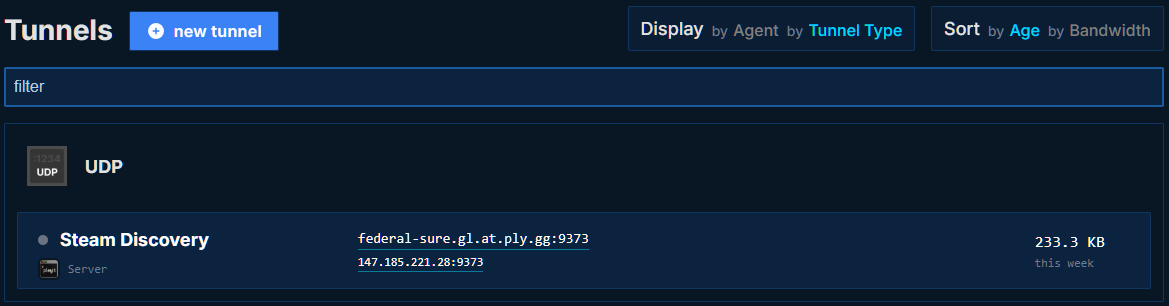
UDP 27015, which means that all users can create this tunnel type.Steam Relay will be used for the game traffic, but the tunnel allows for the server to be found.
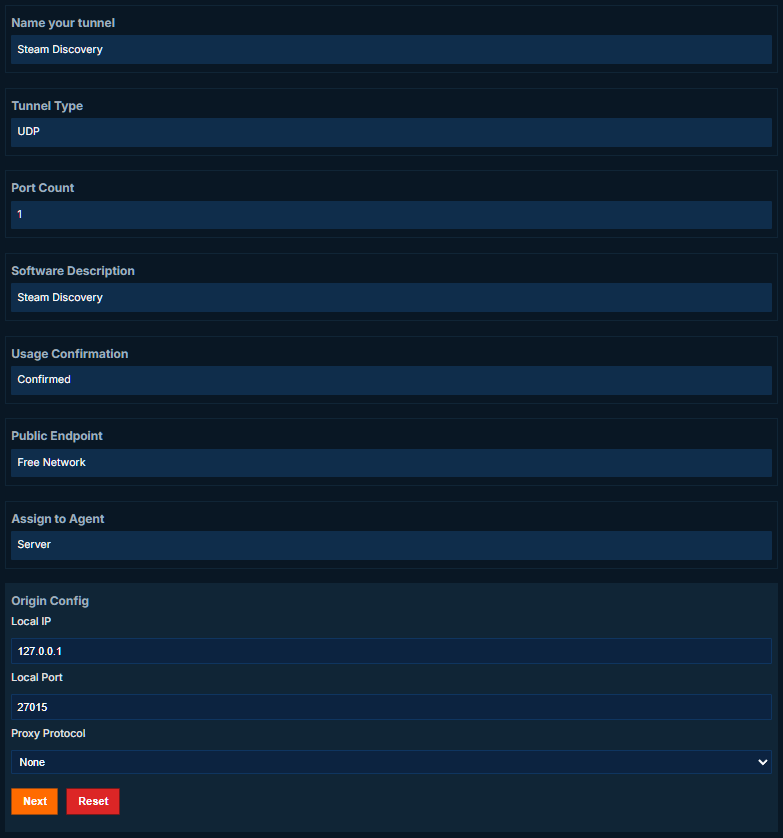
Set up the tunnel as follows:
Tunnel Type: UDP (protocol)
Port Count: 1
Software Description: Steam Discovery (Icarus)
Local Port: 27015
Joining the server
You will need to add the server to your favorites.
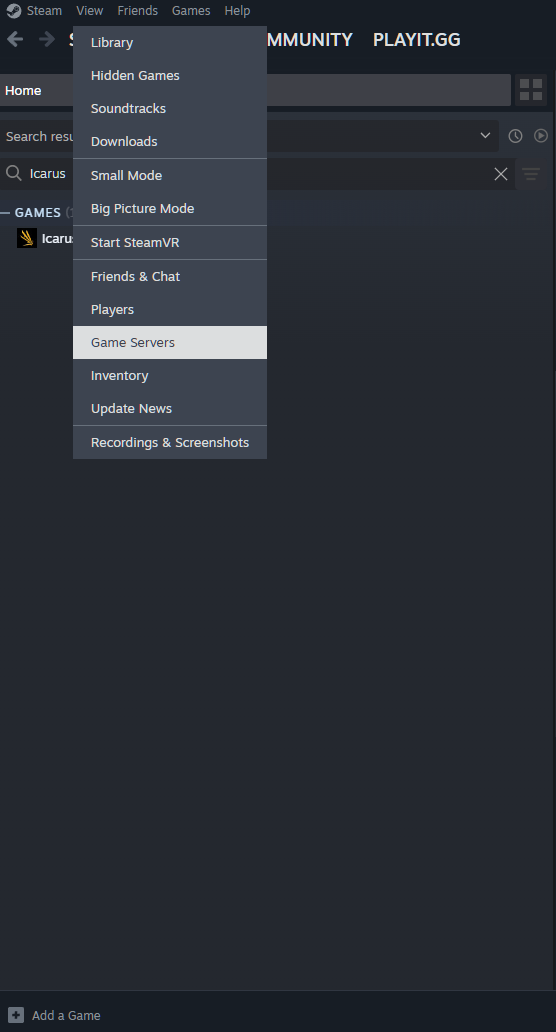
This can be done by going into Steam > View > Game Servers and then click the + button.
Copy and paste the IP address or hostname, and then OK
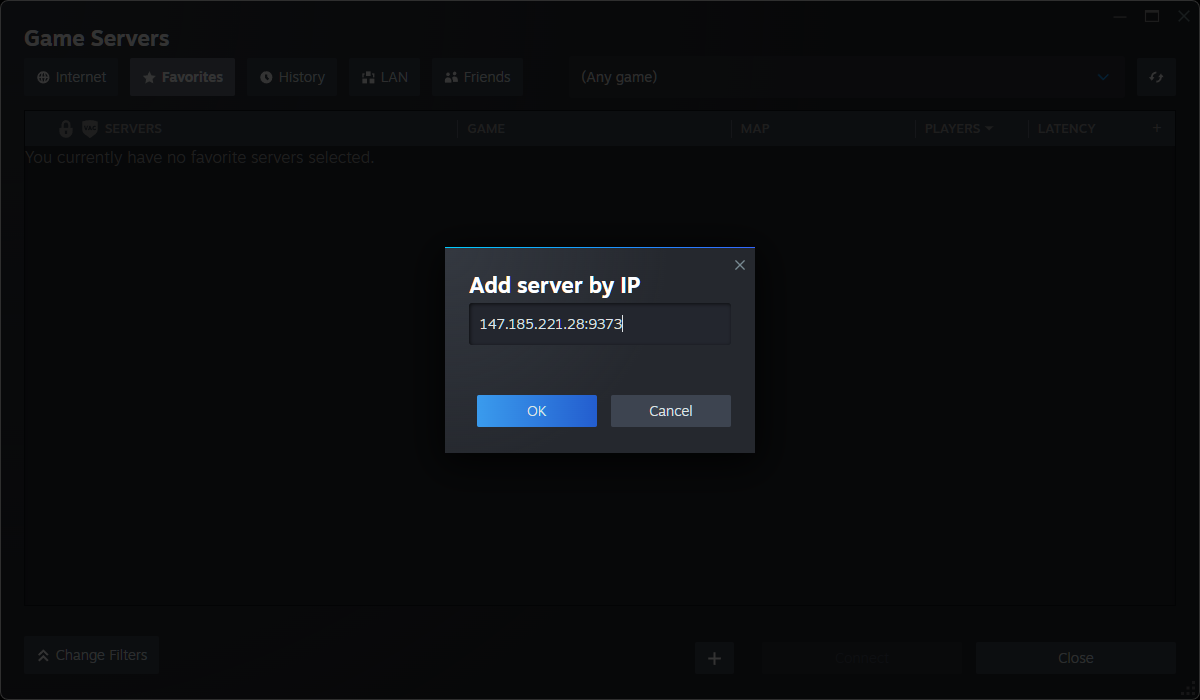
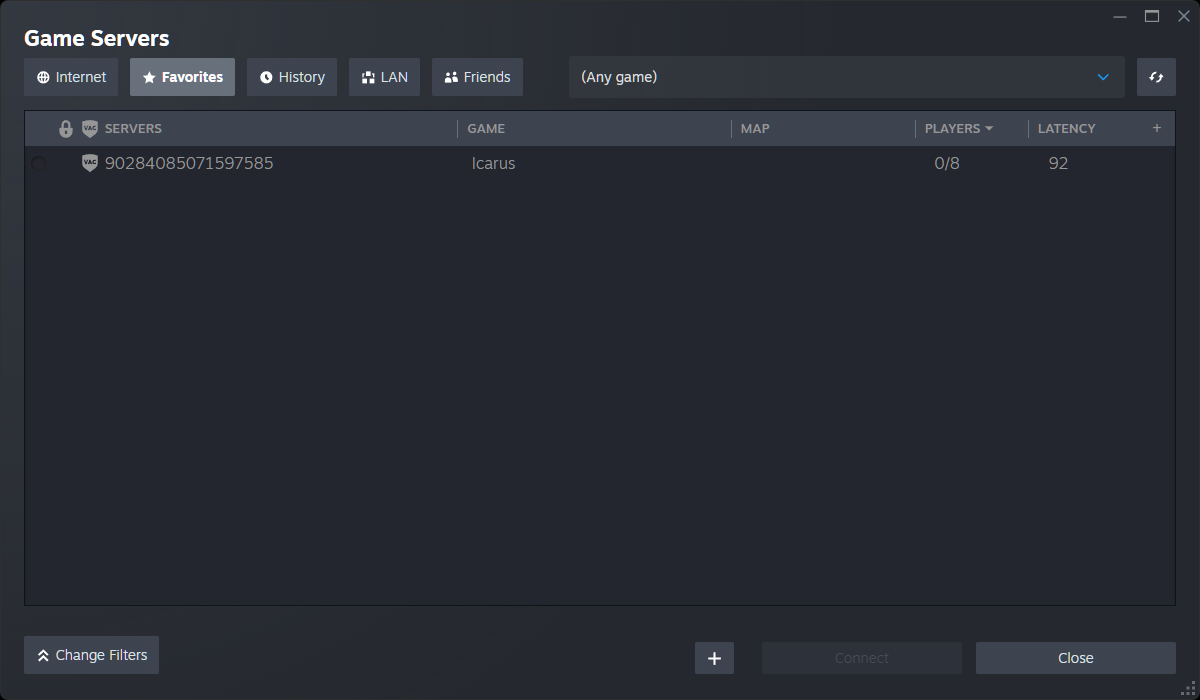
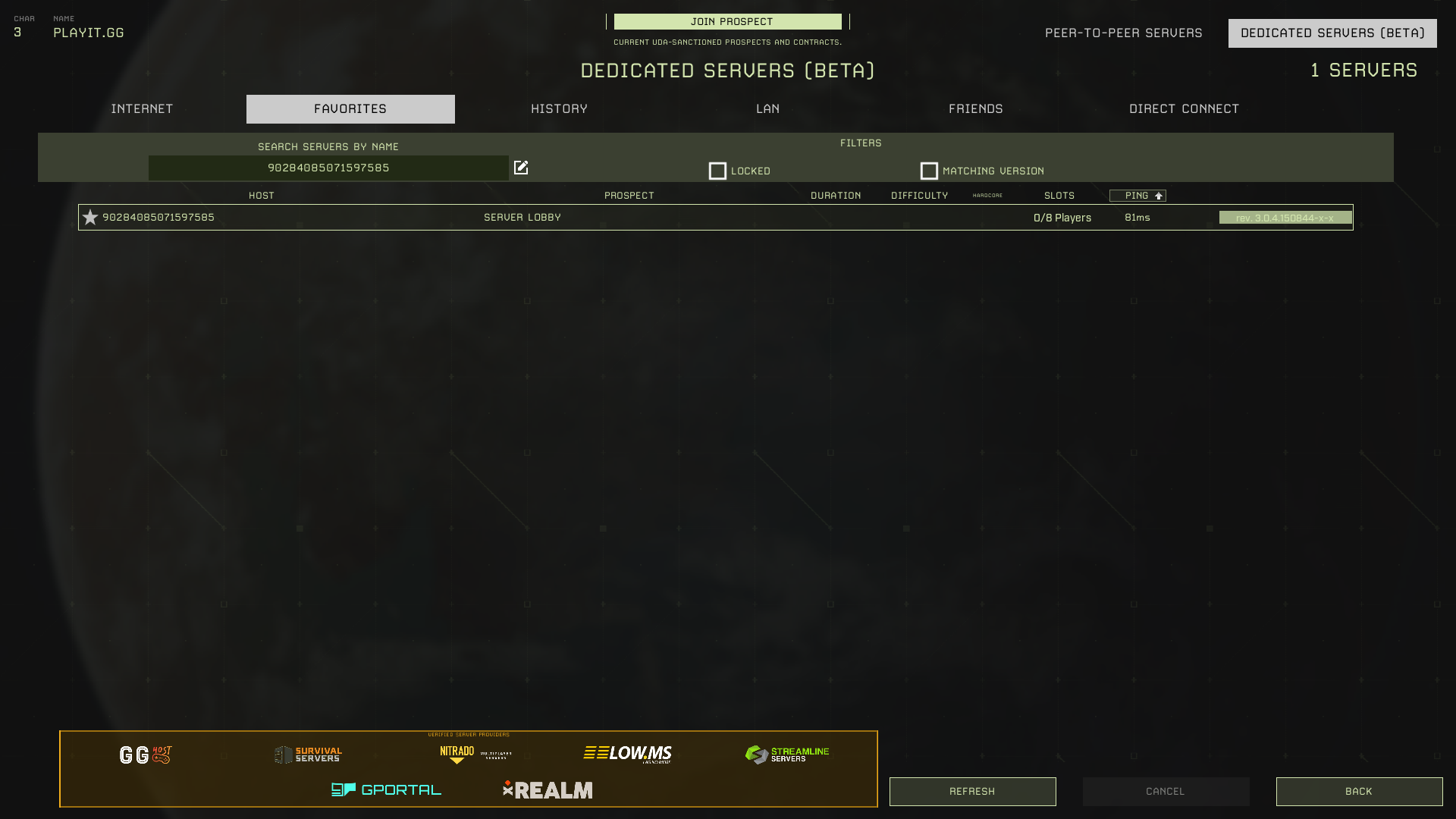
Once this has been added to the list of favorited servers, you can join from the game’s own “Favorites” list.